

For the last year and a half, I’ve been a “JPEG-first kind of guy.”
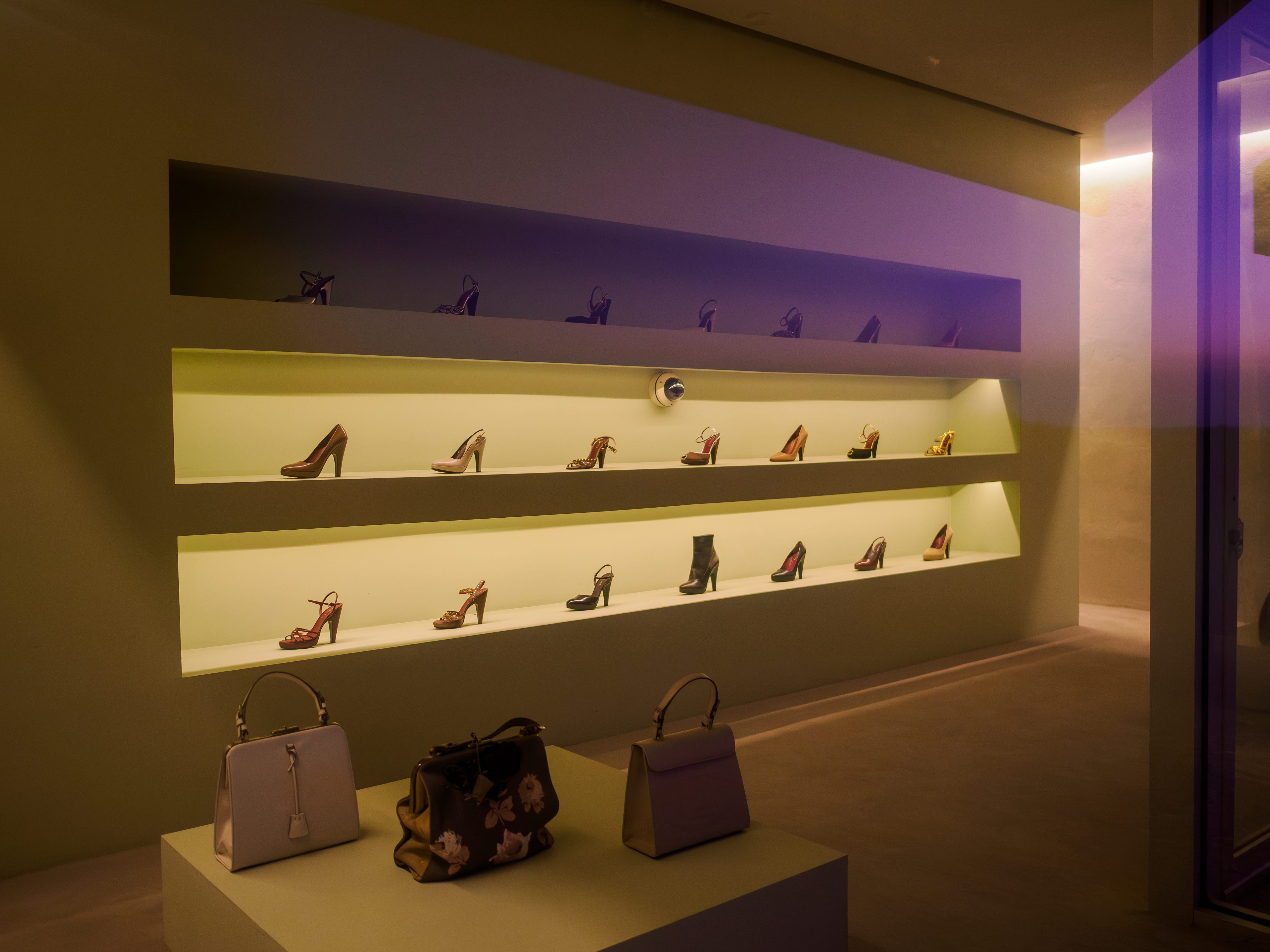
I still shoot RAW + JPEG (RAW files are good as a backup for difficult situations), but I now mostly focus on jpegs, and it’s been a huge boost to my creativity.
I’m here to be a champion for creative JPEGS!
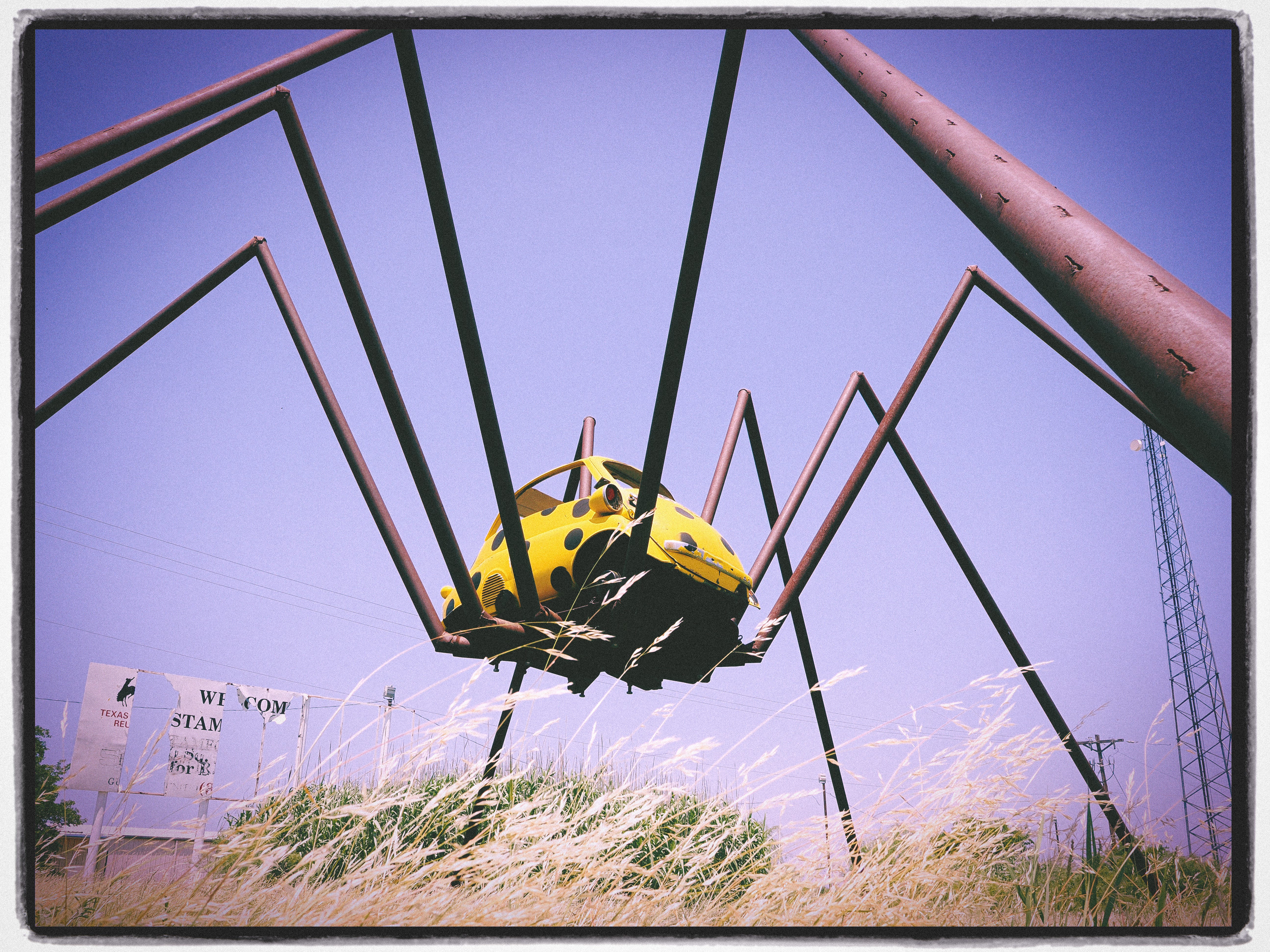
Because, I most definitely wasn’t always like this.
The art filters, the borders, the funky color profiles, and the blur you can add to the top and bottom of a frame were things I thought no “real” photographer should ever touch.


The prevailing advice from experts is almost always to shoot RAW only. That’s way more “PRO.”
I mean, look at this dude, who shoots RAW as his entire IDENTITY:

I WAS WRONG. He’s wrong.
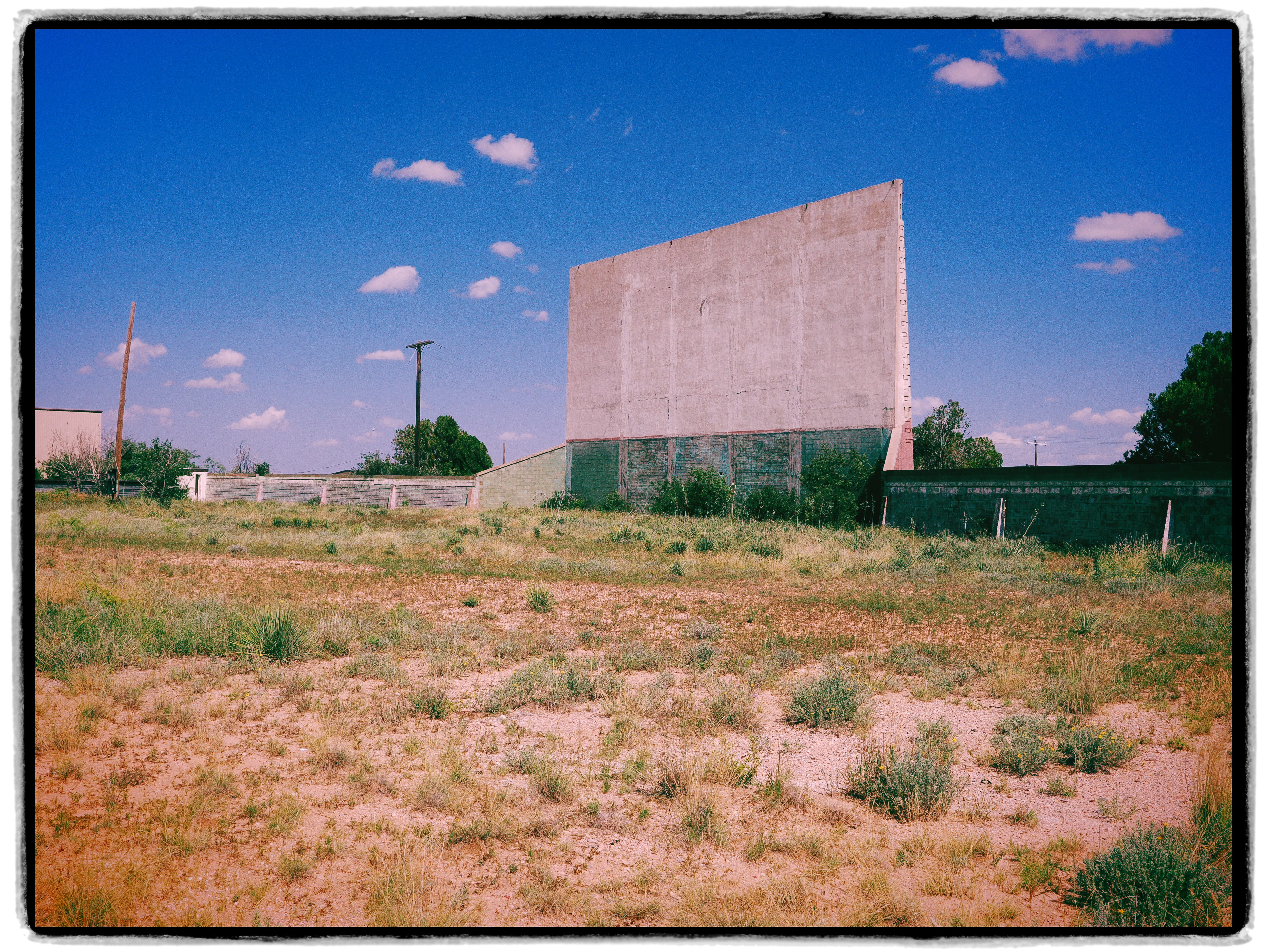
Lately, I’ve been really focused on what I want to do with my photography.
I want to get outside more. (Less scrolling, better mental health.)
I want to have more fun. (Less worrying, and a good way to live life.)
I want to be more creative. (Voice over “pretty stuff”. Signal over noise.)
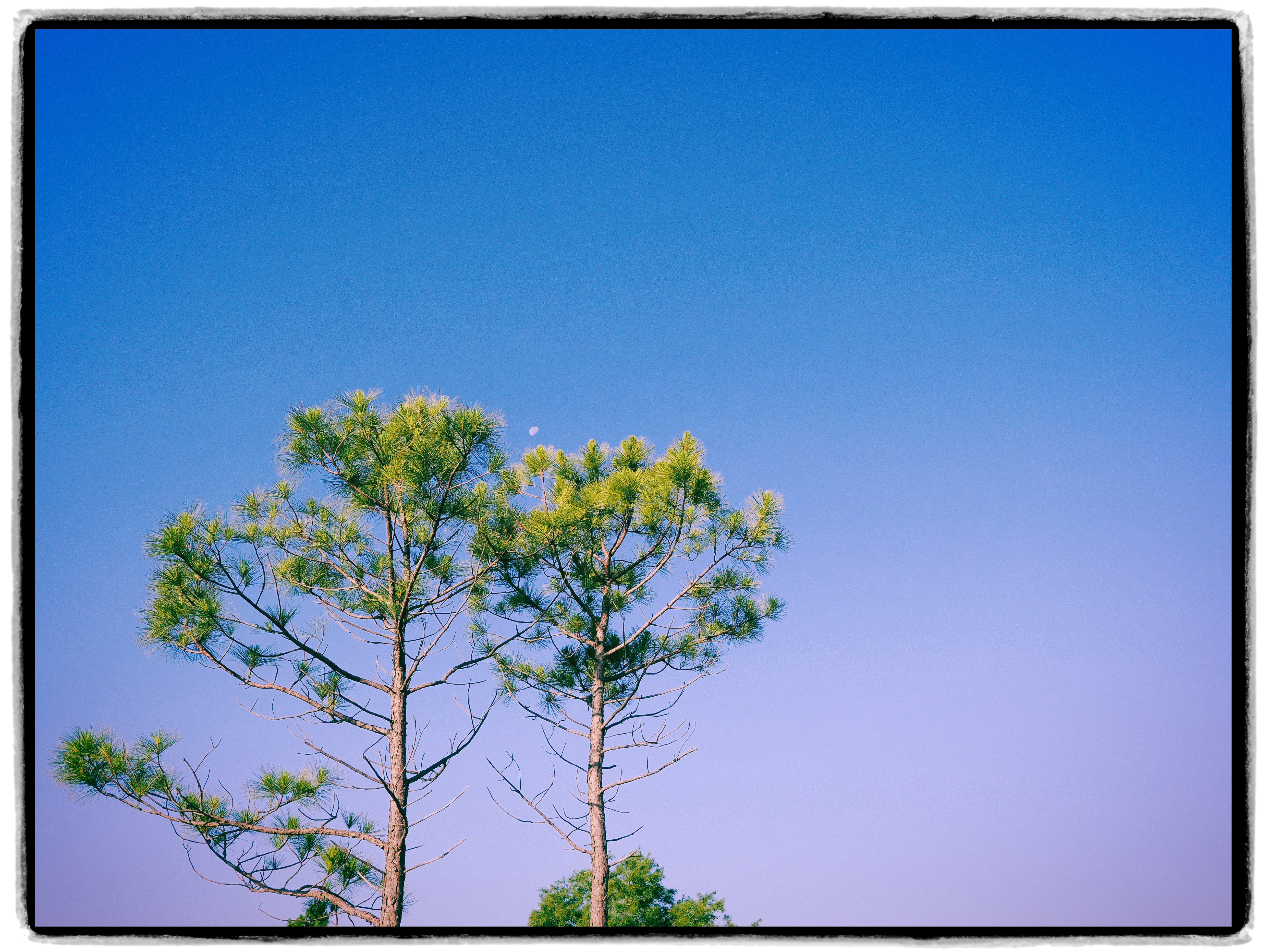
Shooting JPEG-first helps me do all those things.
(Remember, my advice is to shoot RAW + JPEG but to focus on the JPEG.)
When I’m focusing on a jpeg-first style, it’s freeing. The files come out fast, they’re small, they’re easy to share, and most of them look great straight out of the camera with almost no work.
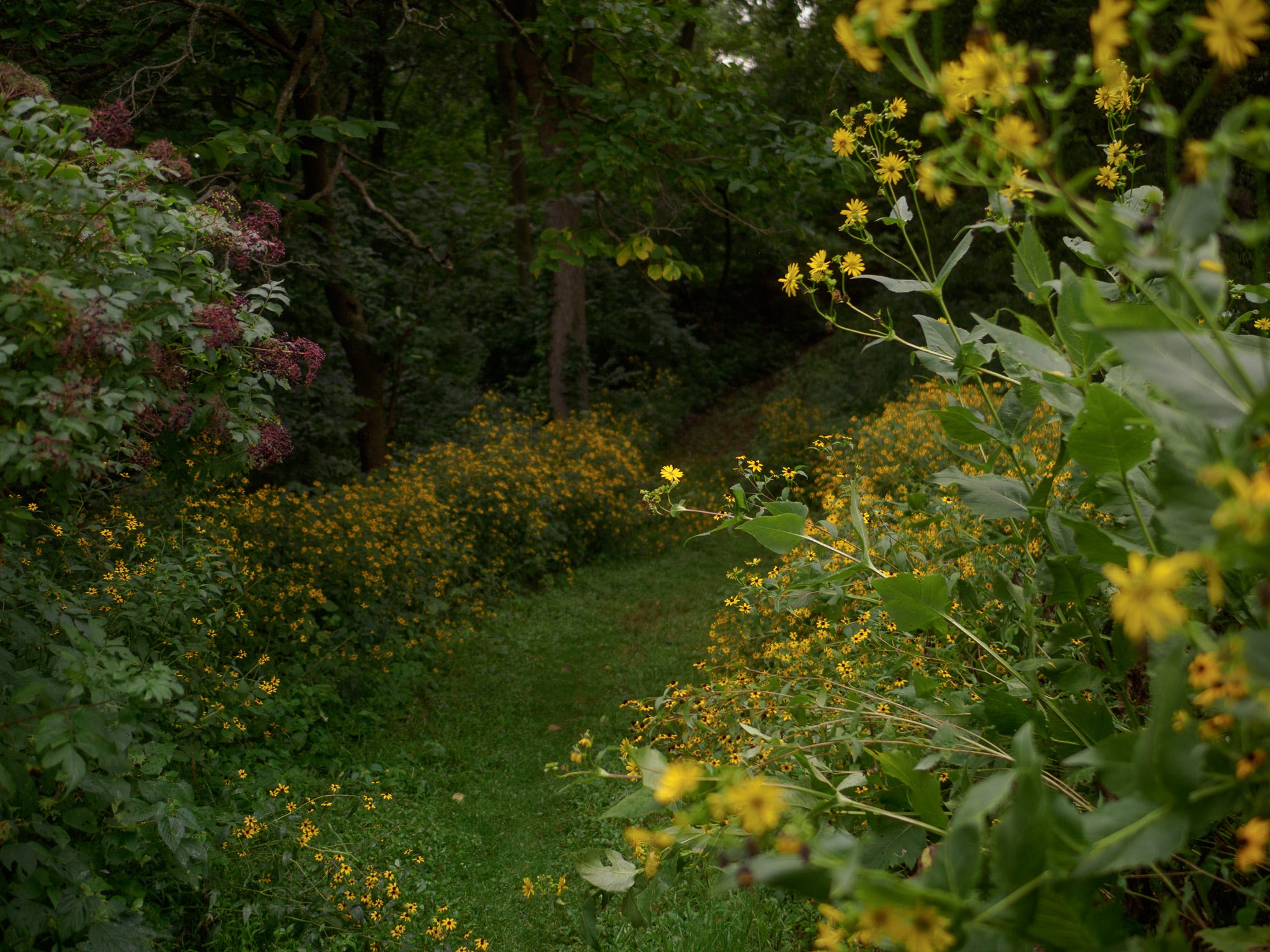
What’s awesome is that it has also transformed my entire style of shooting.
Embracing jpegs as my primary file (and thinking of the RAW file as backup), sent me in a whole new direction.
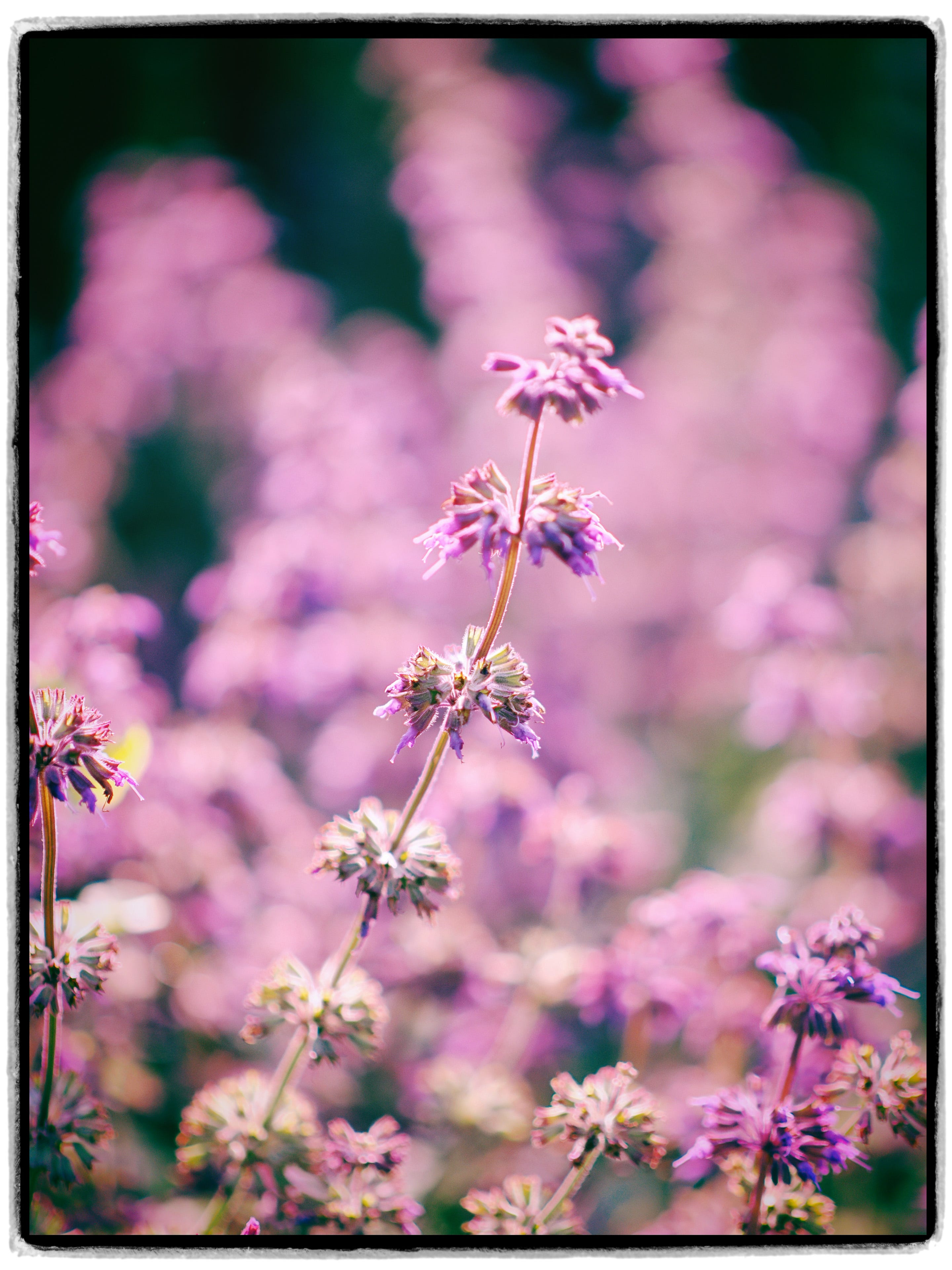
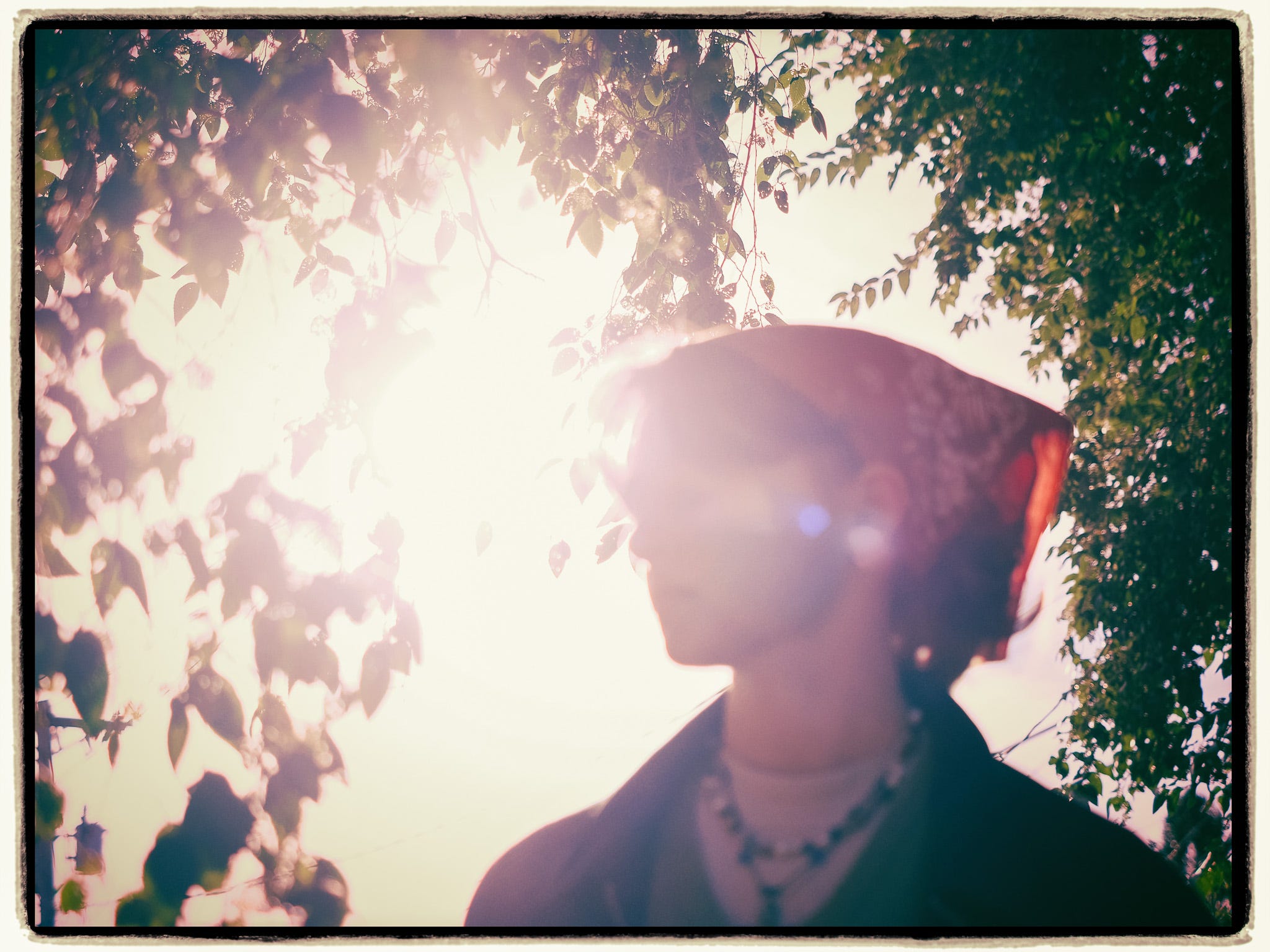
I’ve been shooting a lot more magenta and purple and deeper, moodier color lately, mostly inspired by OM SYSTEM’s Art Filter 16 (Instant Film) on the OM-3’s Creative Dial.
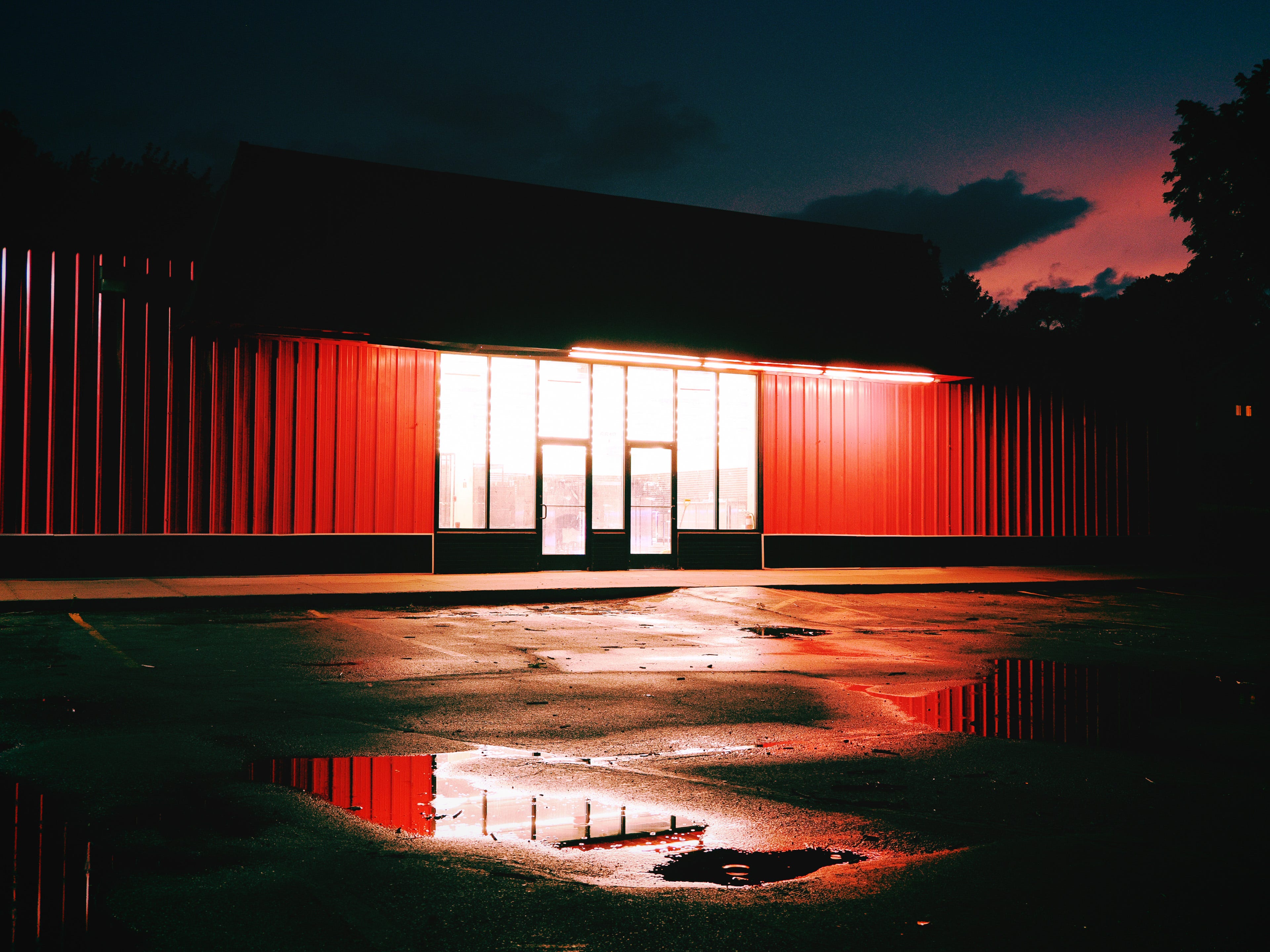
I use it when I go find these weird, dark, kind of strange-looking spots, and I lean into how changing my white balance can really transform the files into something gritty and somehow ethereal.
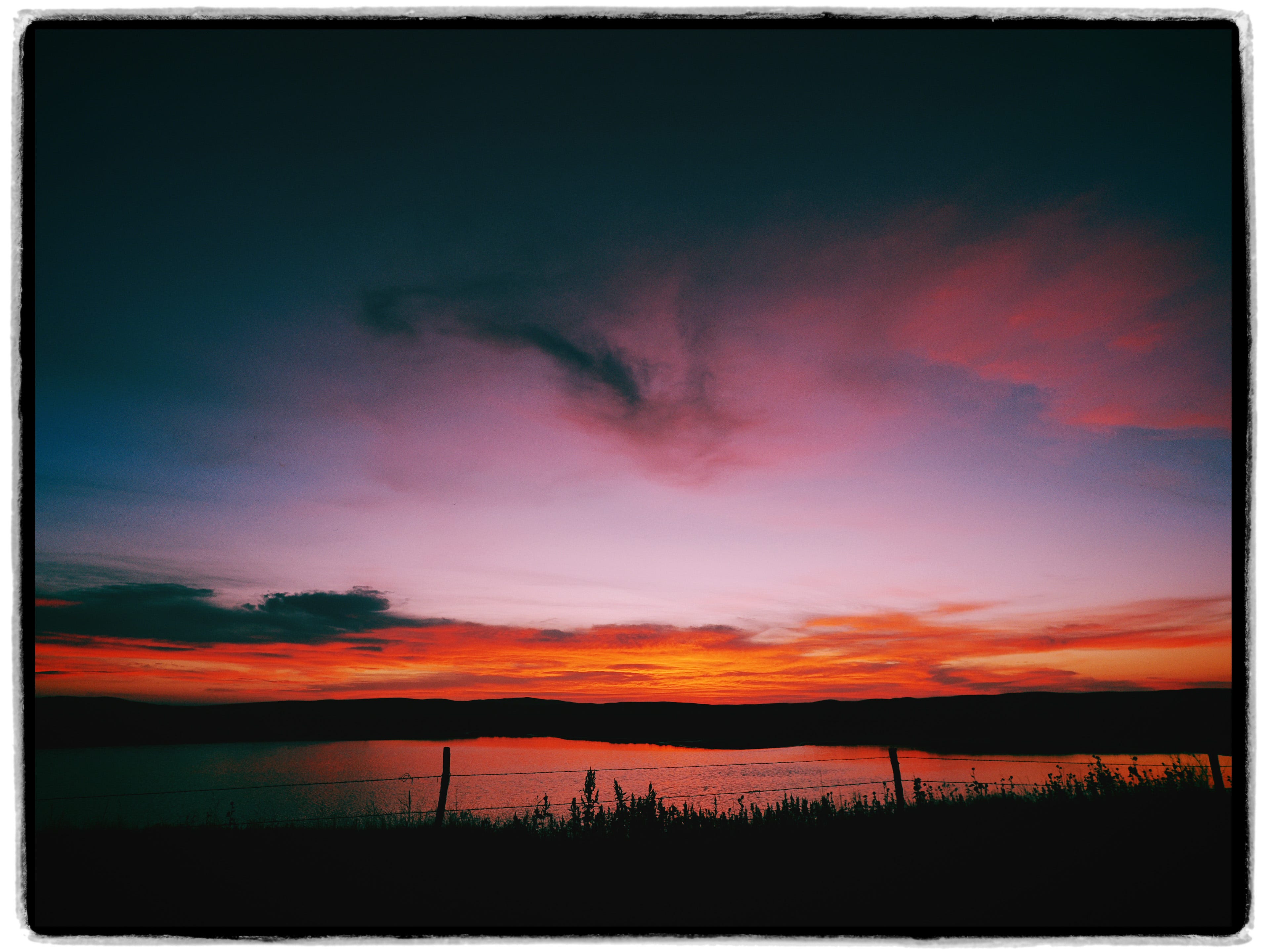
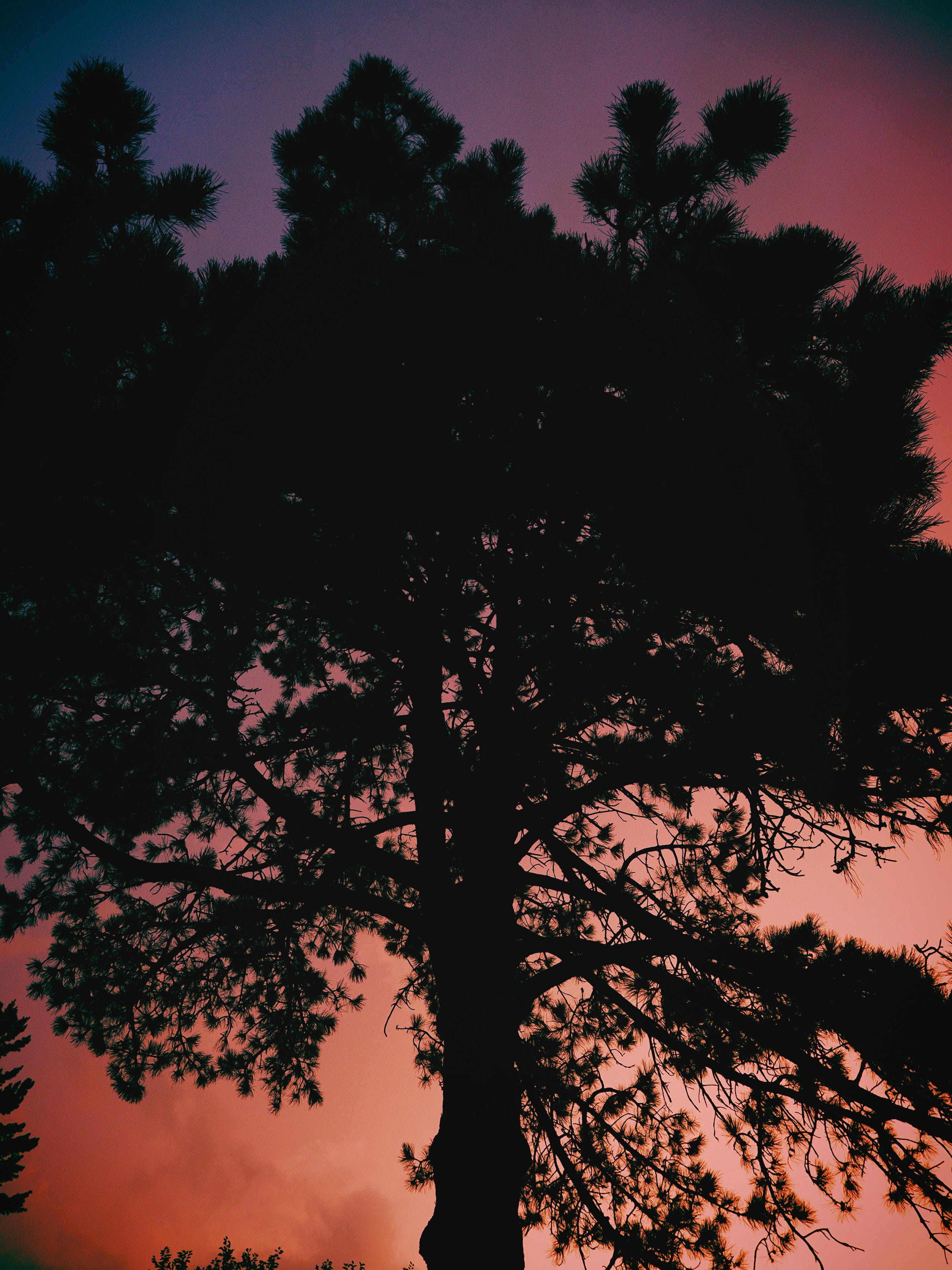
The unique colors and filters have inspired me to get out more in certain situations, and I’m developing a collection of images made when I find strange, cool light.
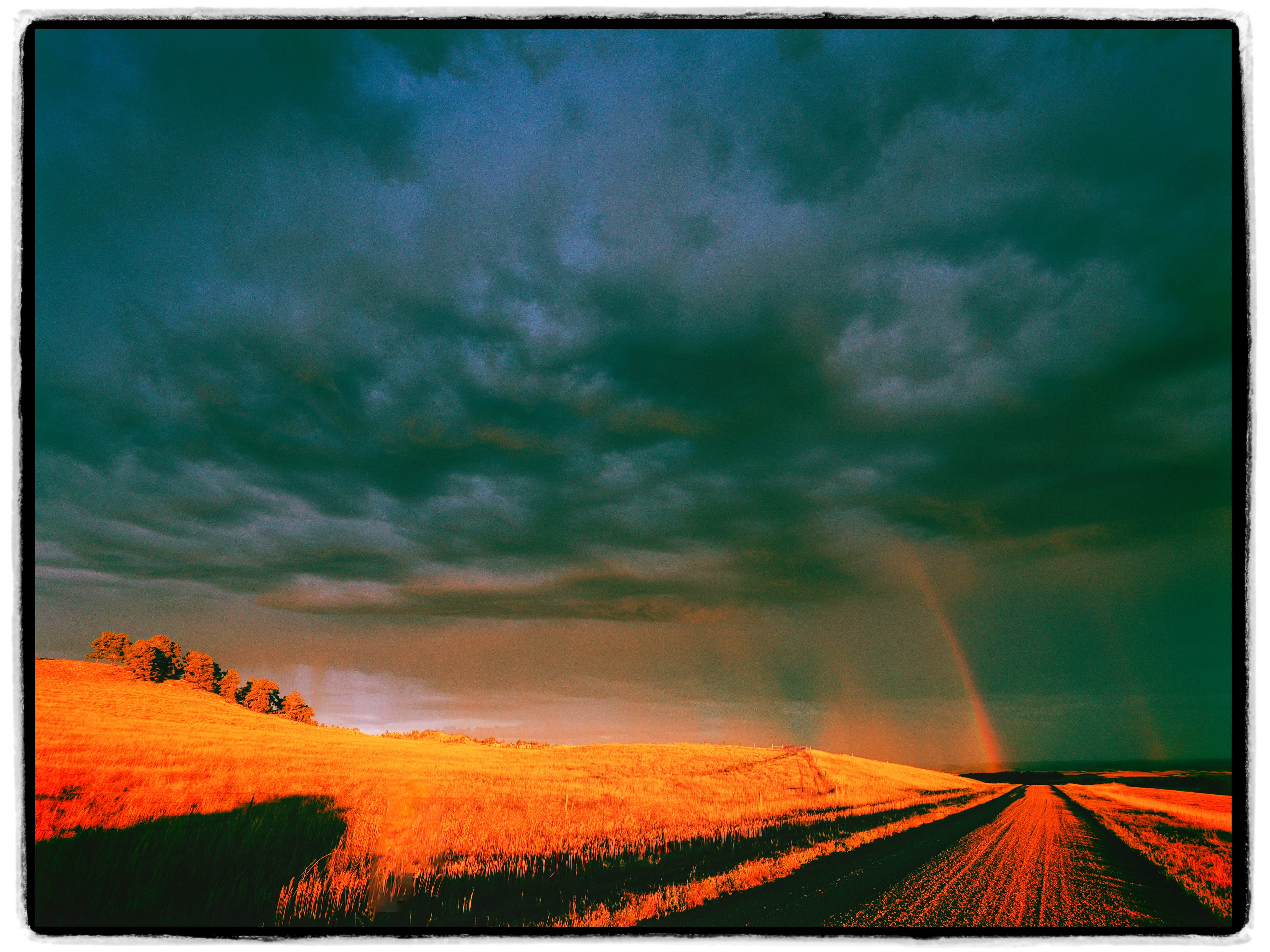
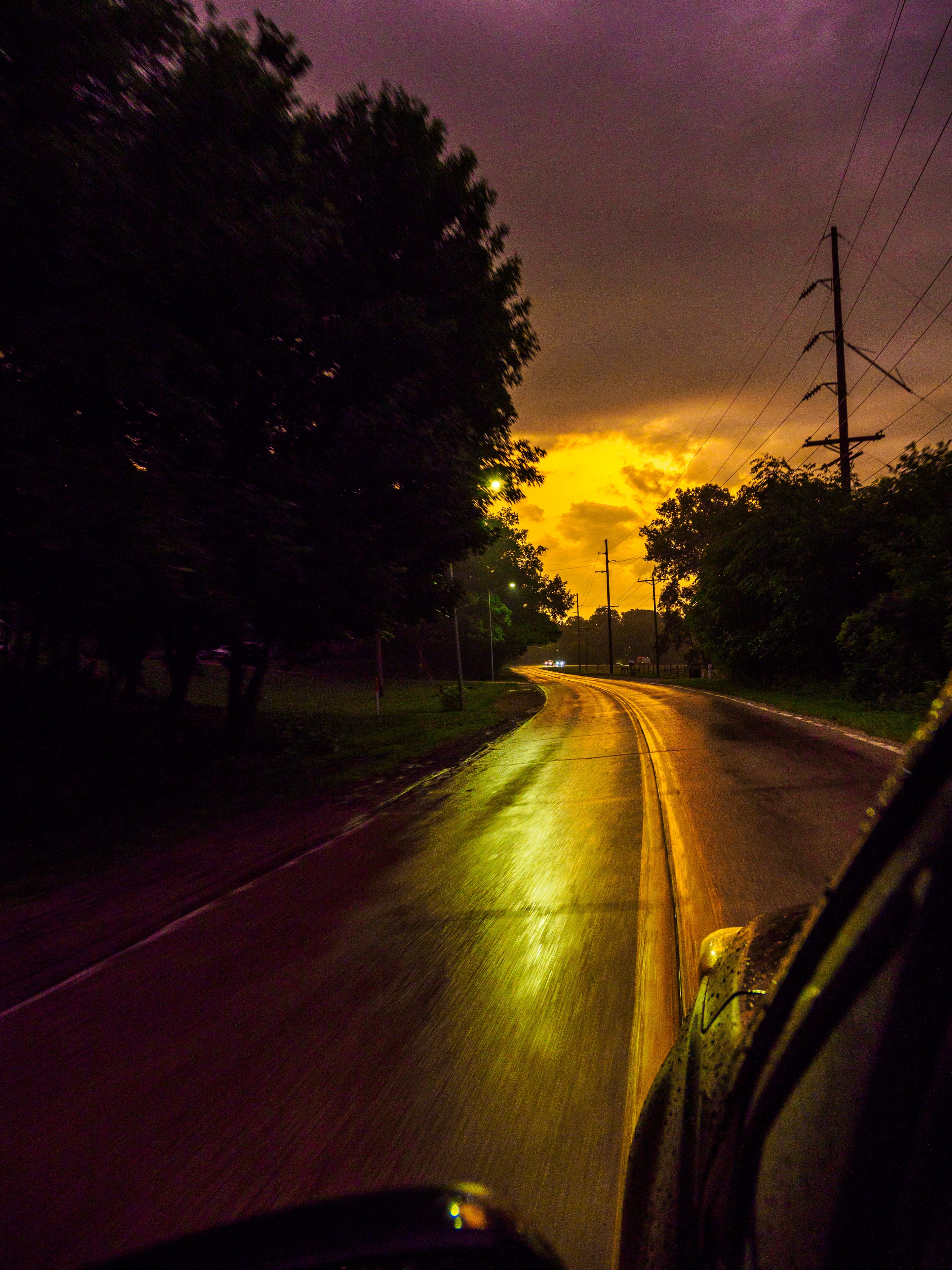
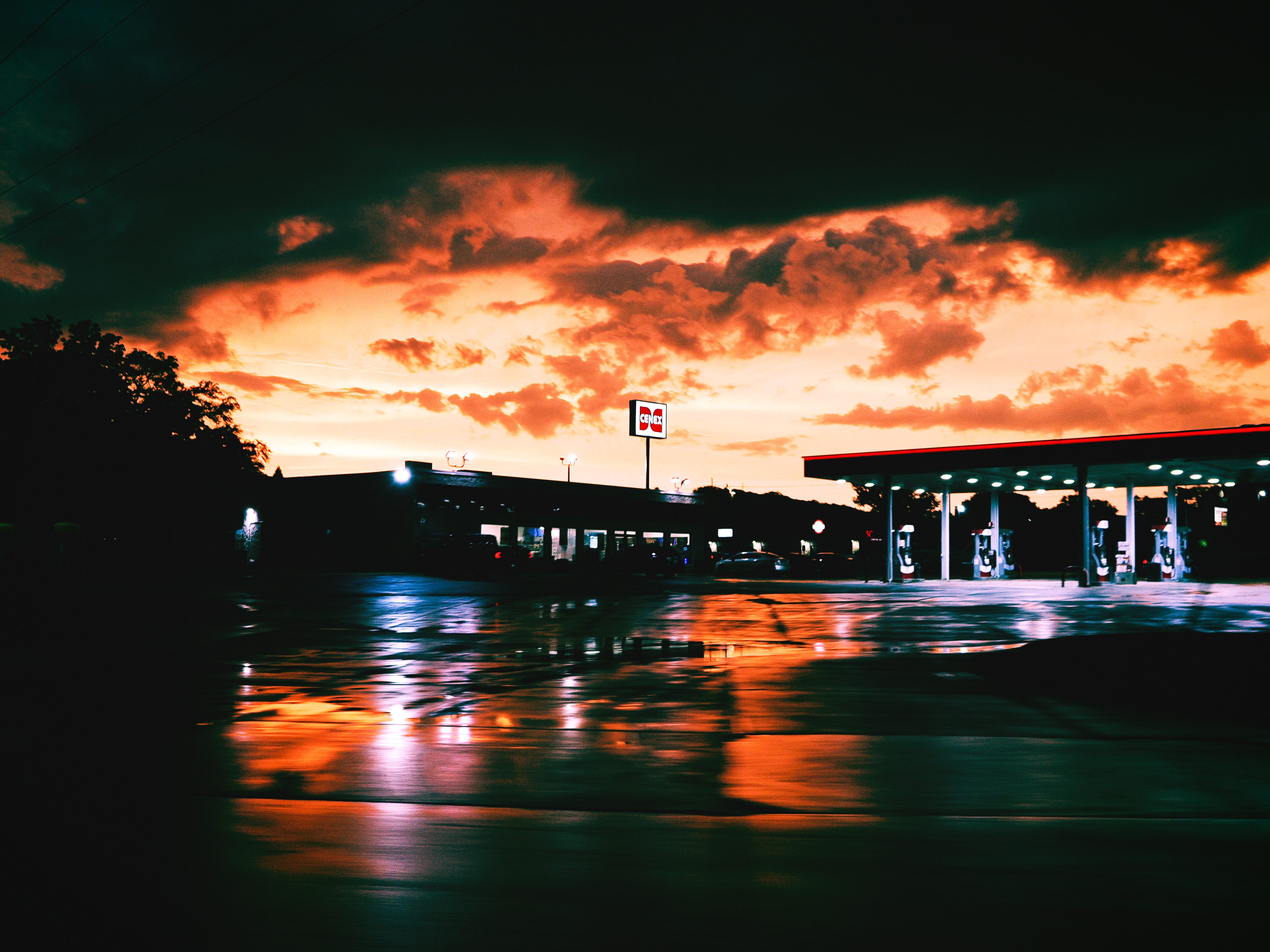
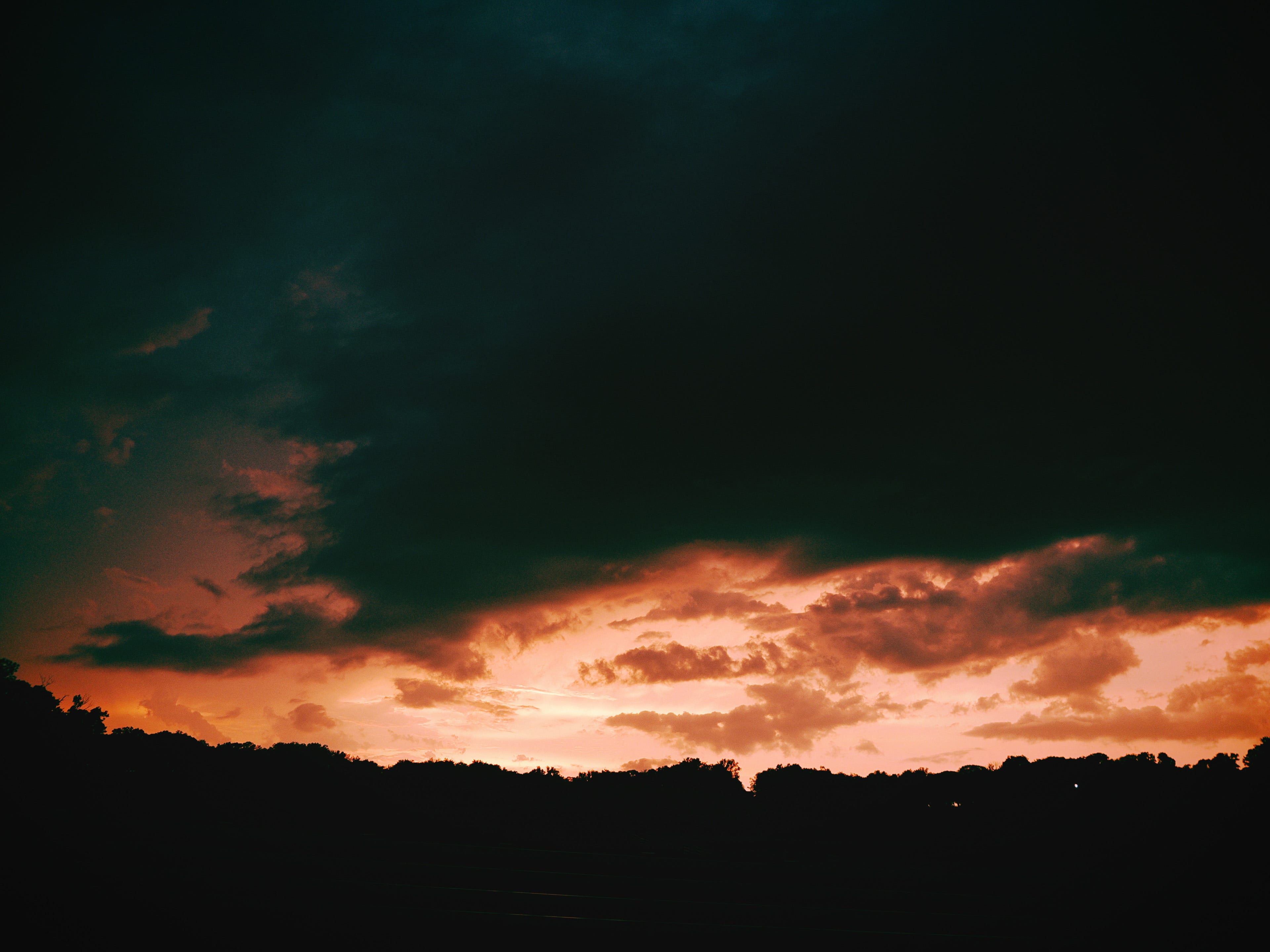
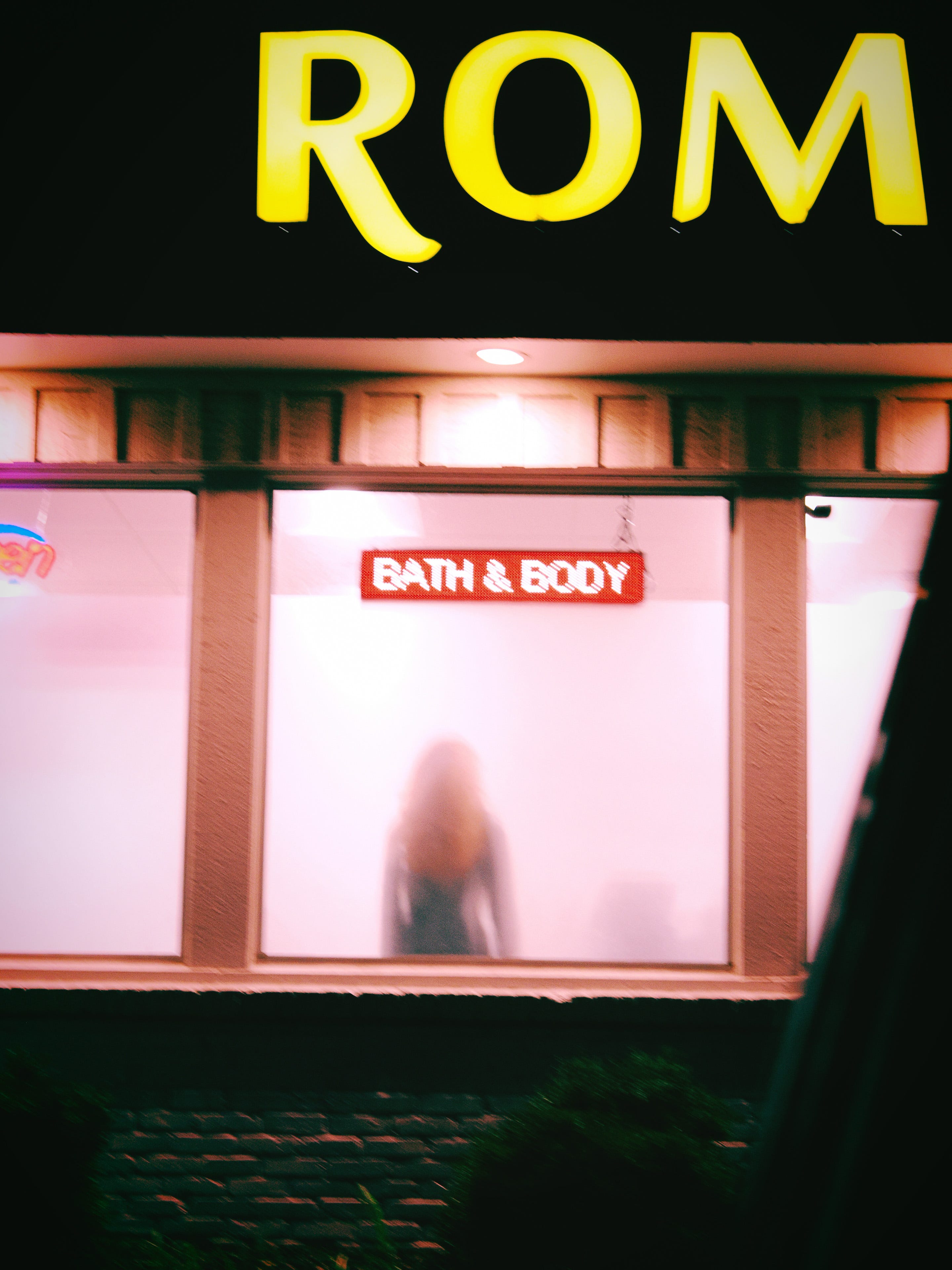
And one of my favorite sets from Chicago comes from using the same Instant Film Art Filter for these colorful and strange scenes:


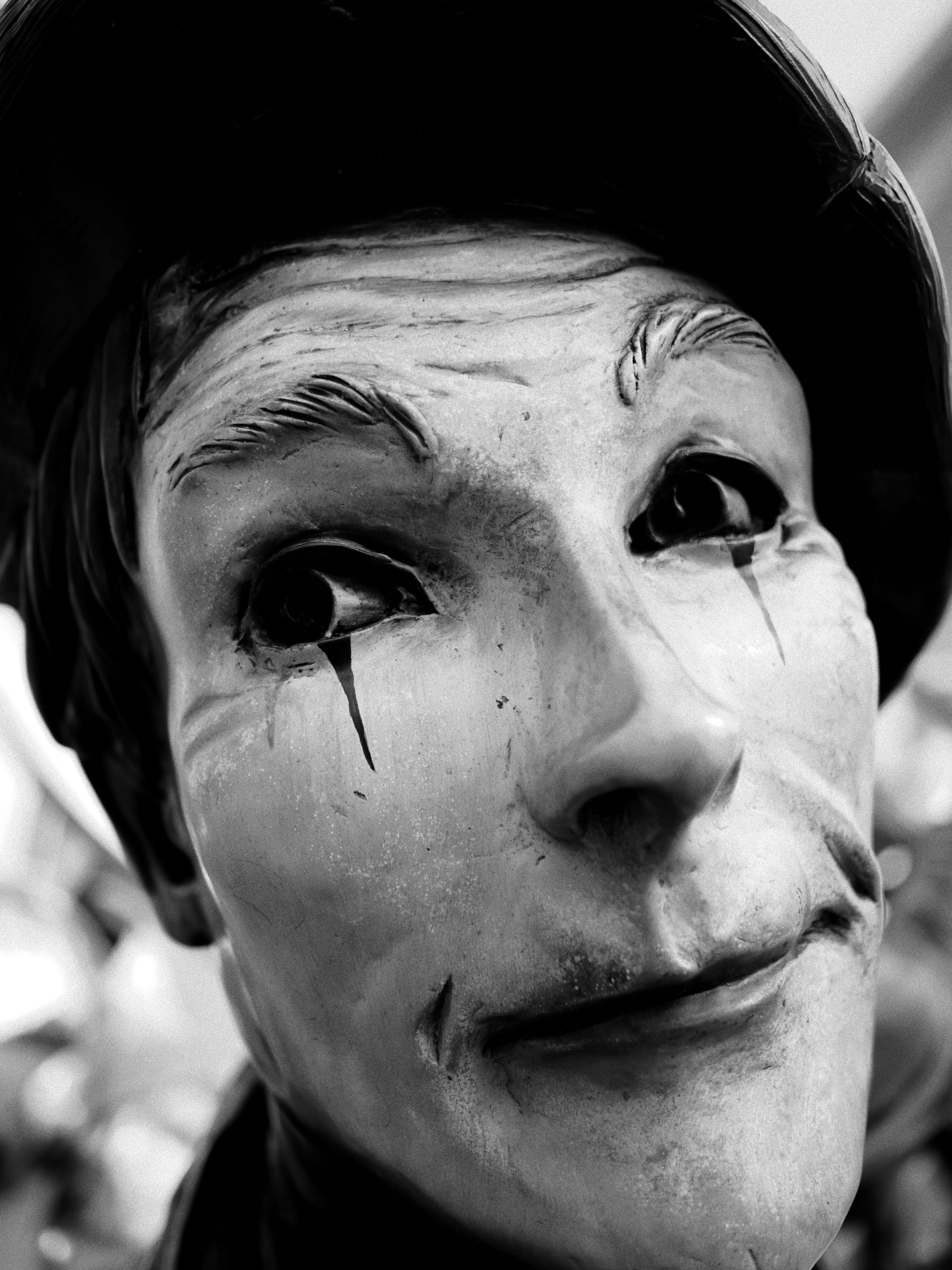
Yet… one click over to the monochrome setting on the Creative Dial, and I’m shooting the best black and whites of my life.
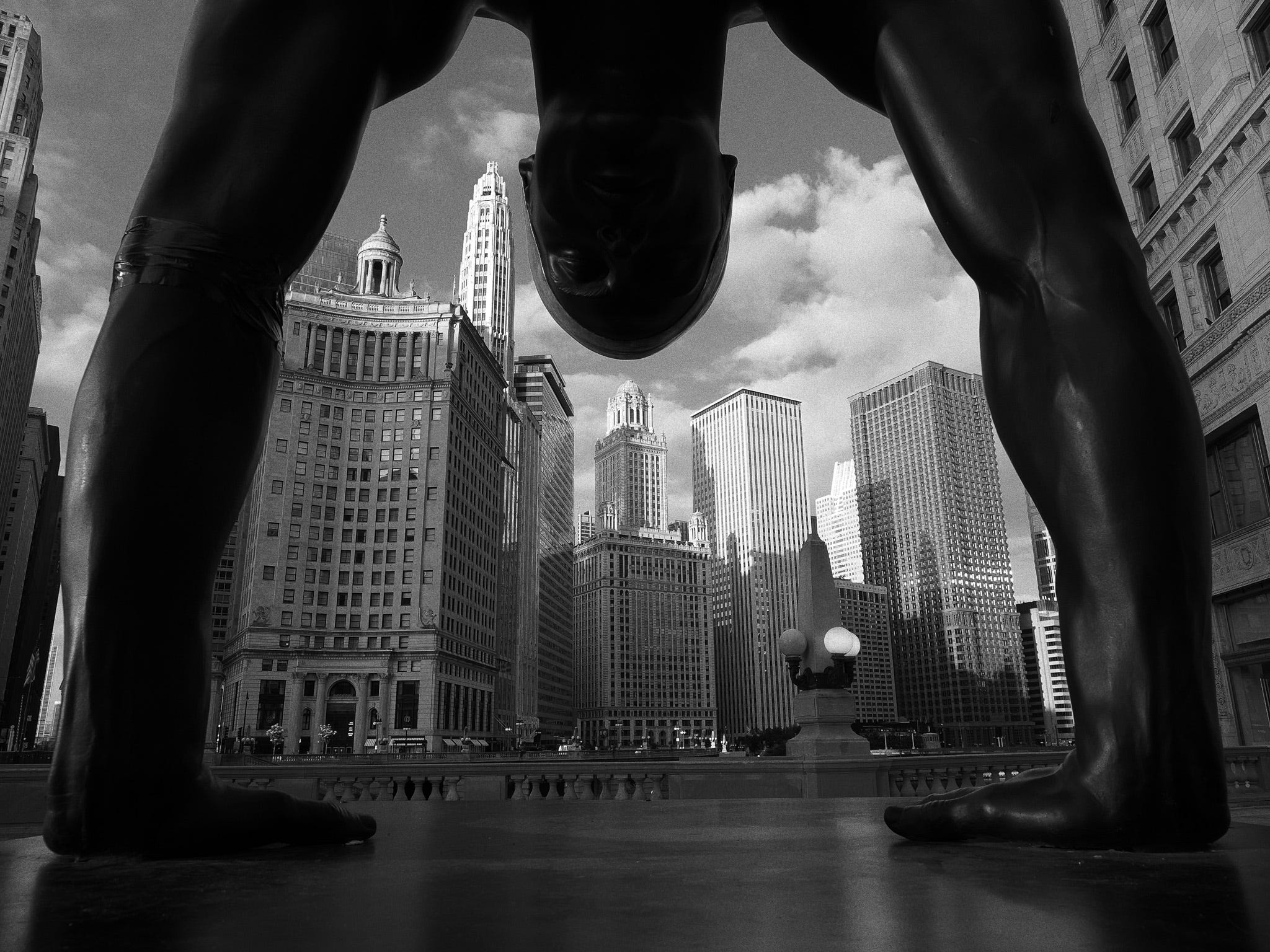
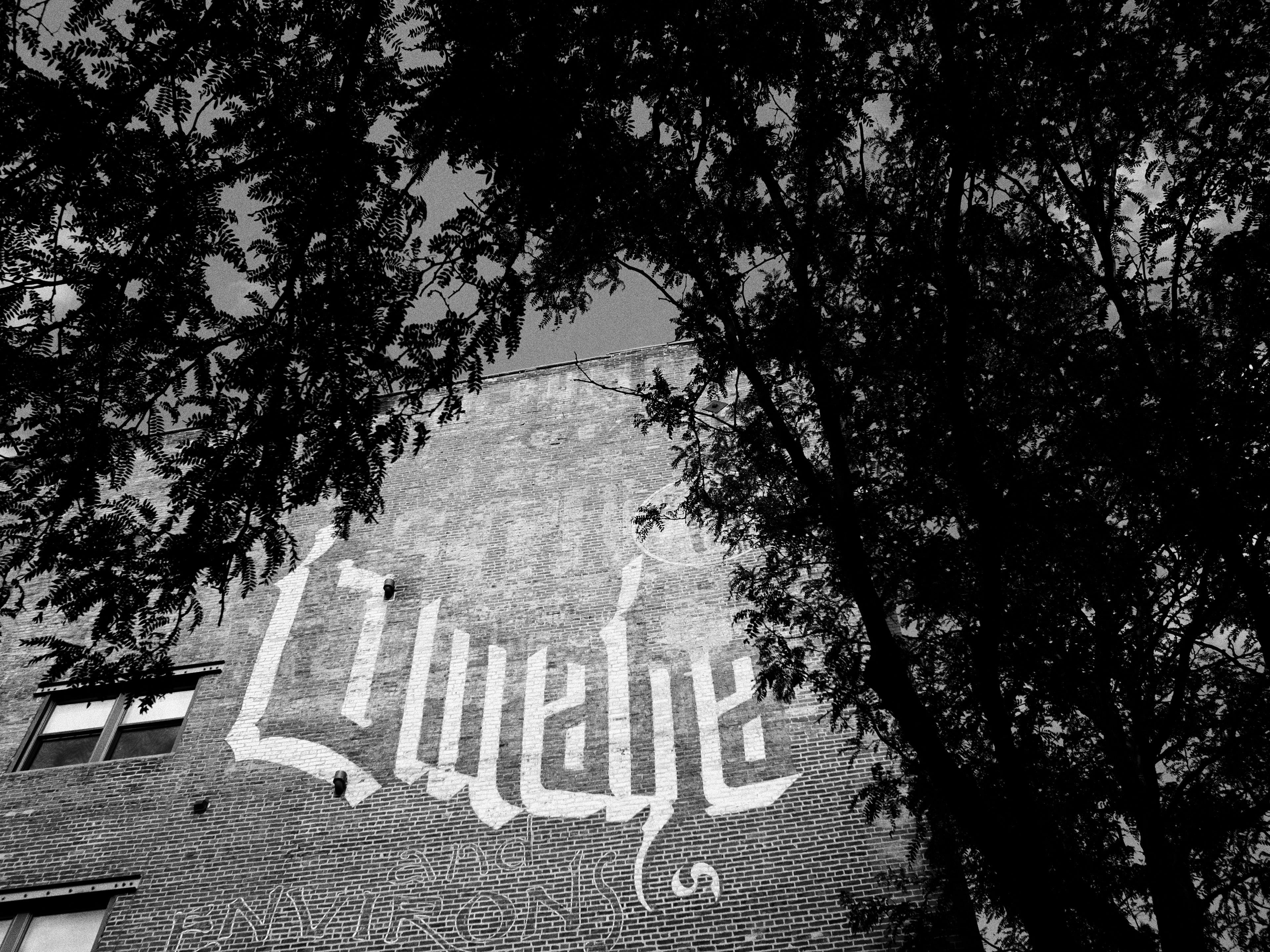
I never even thought of myself as a black and white photographer.
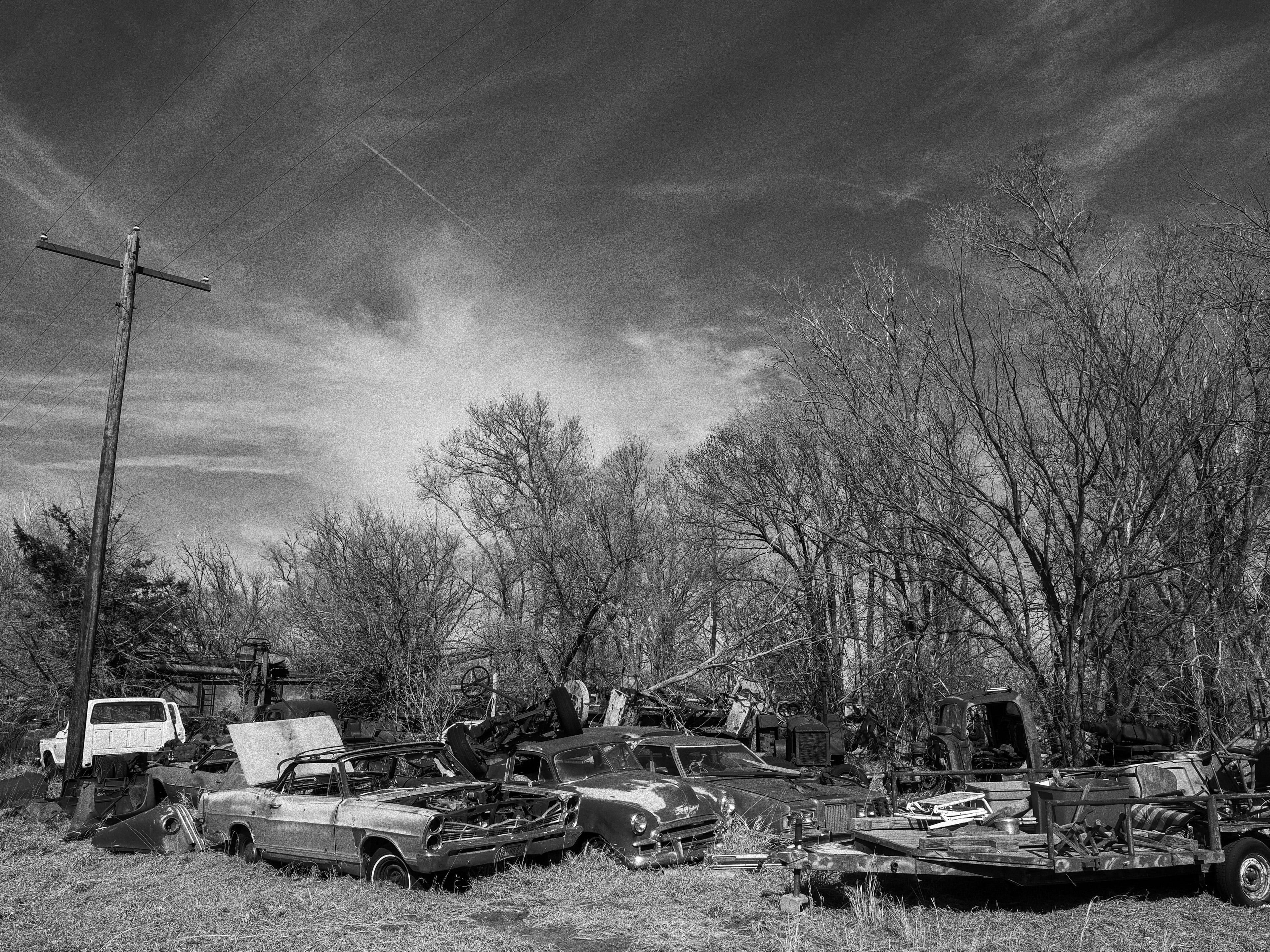
But the monochrome profiles of my camera make me feel like I’m toting along a classic black-and-white film camera.
These files are TOTALLY editable!
One of the knocks against JPEGS are that they don’t have a lot of information in them. That’s totally true compared to RAW files, and why I still recommend shooting RAW + JPEG.
But you know what? You can edit these JPEGs like crazy.
Here is a before/after of edits made directly to the original SOOC jpeg in a jpeg file where the highlights would be normally blown out. I was able to gently recover much of the grass and trees outside and boost the shadows even without the RAW file.


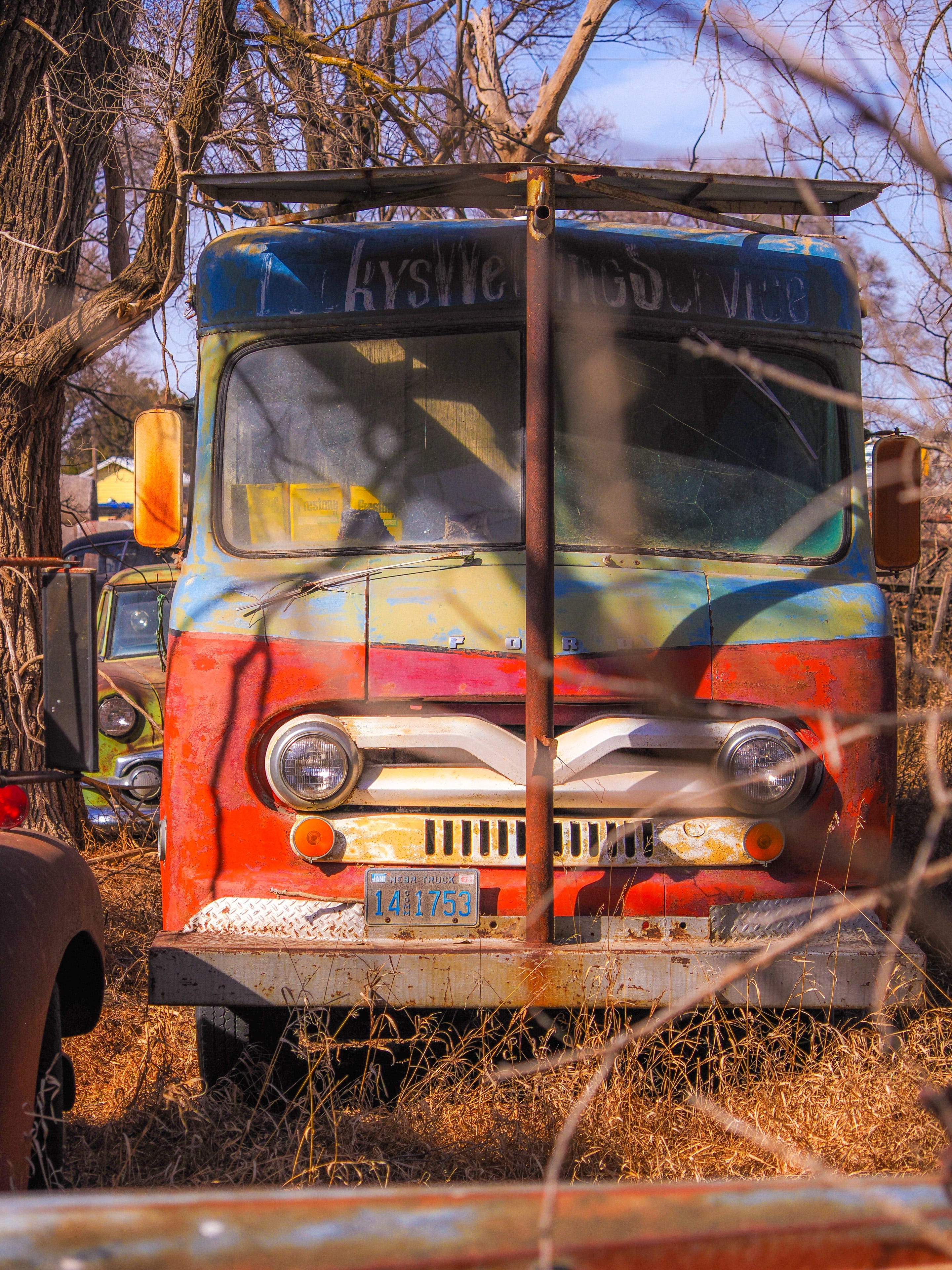
Here is another pair showing you how much color and information is in this original SOOC jpeg “flat” file:
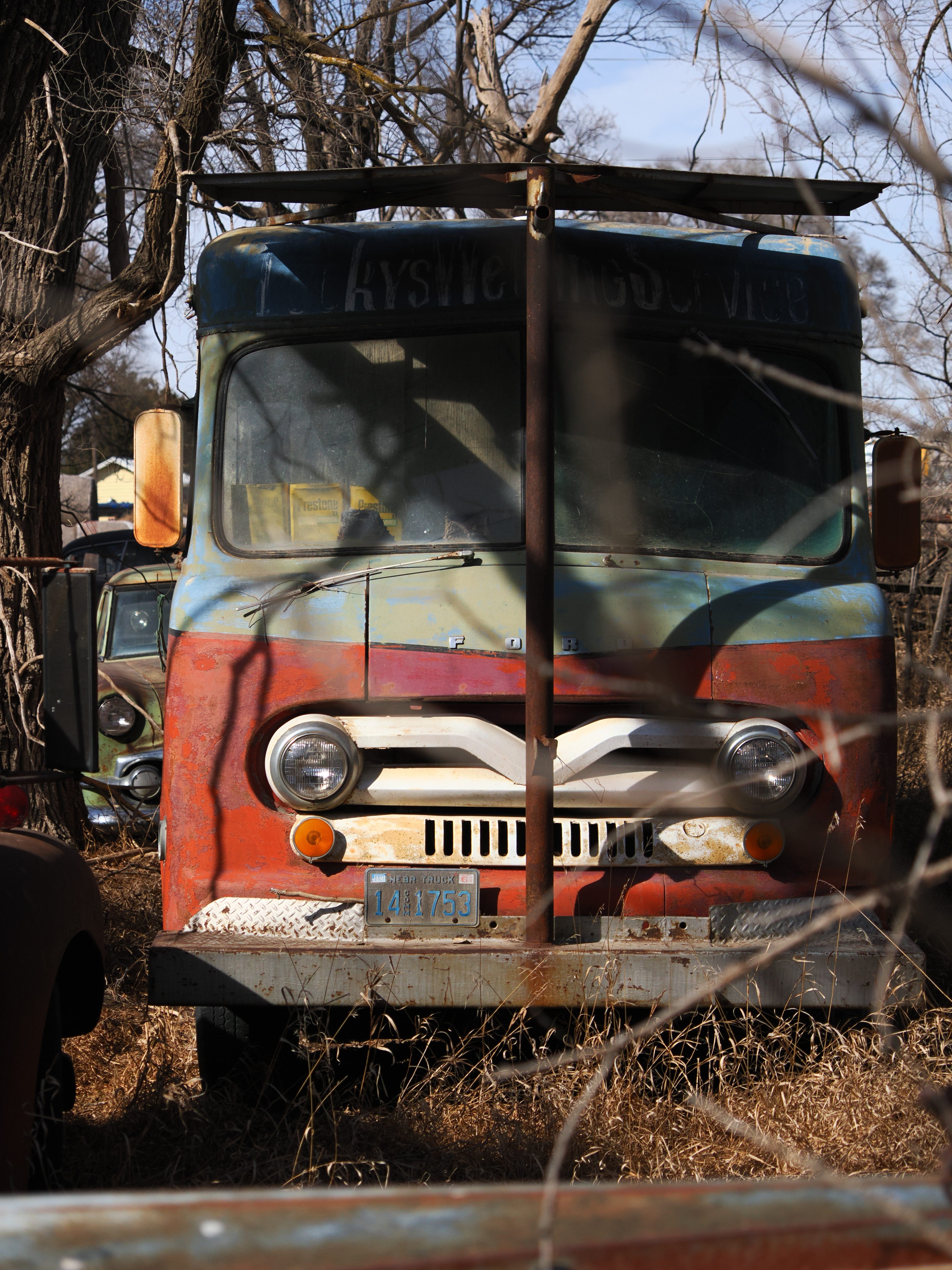
I had so much information, I could create this file:
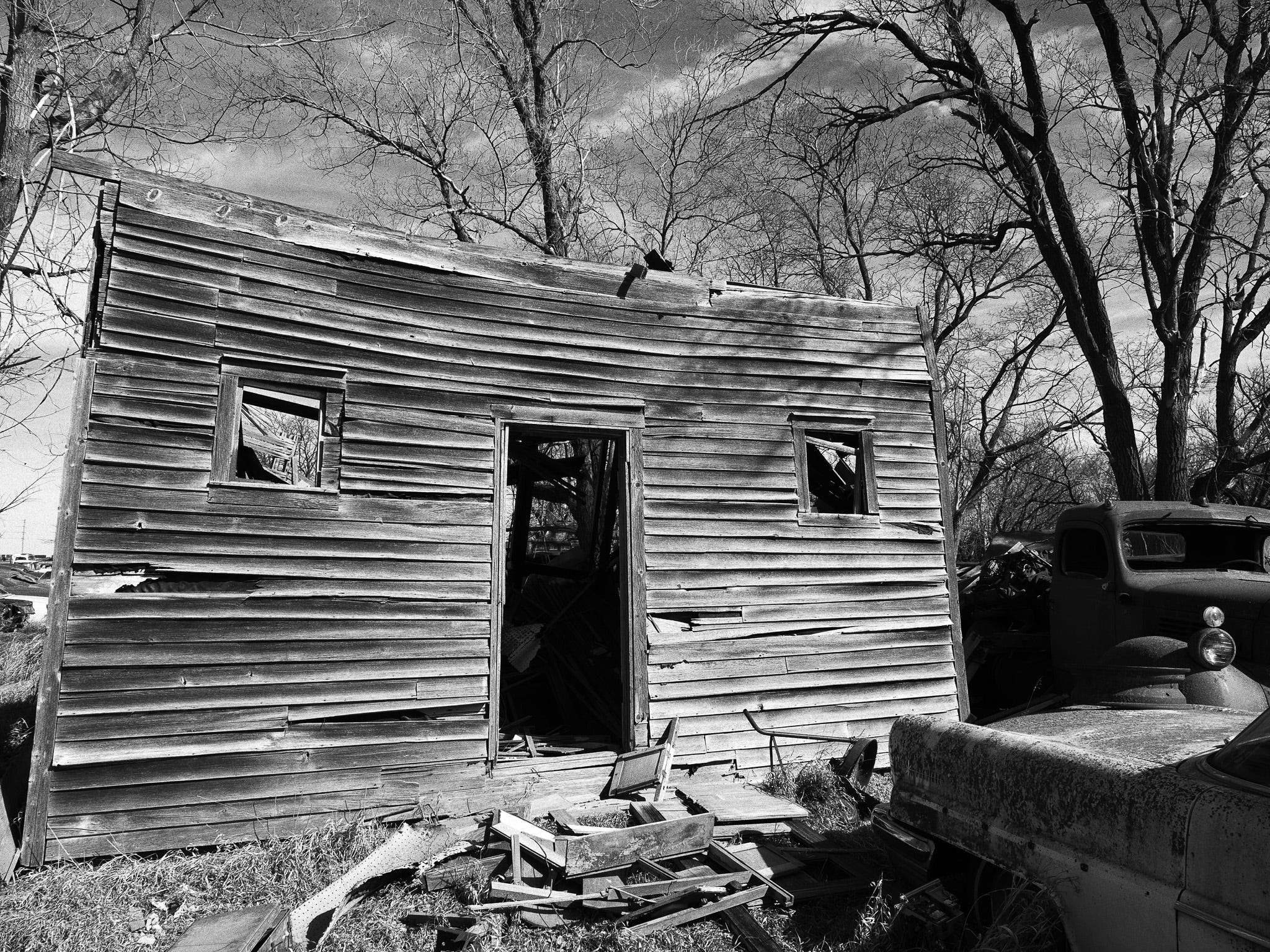
And for junkyard junkies like me, who love to find cool cars out in the middle of nowhere, jpegs are fine even for some of the extreme high contrast scenes we find, like a car interior in bright sunlight. Check out this file from a monochrome recipe I dialed in specifically to help with the highlights and shadows in high-contrast scenes:
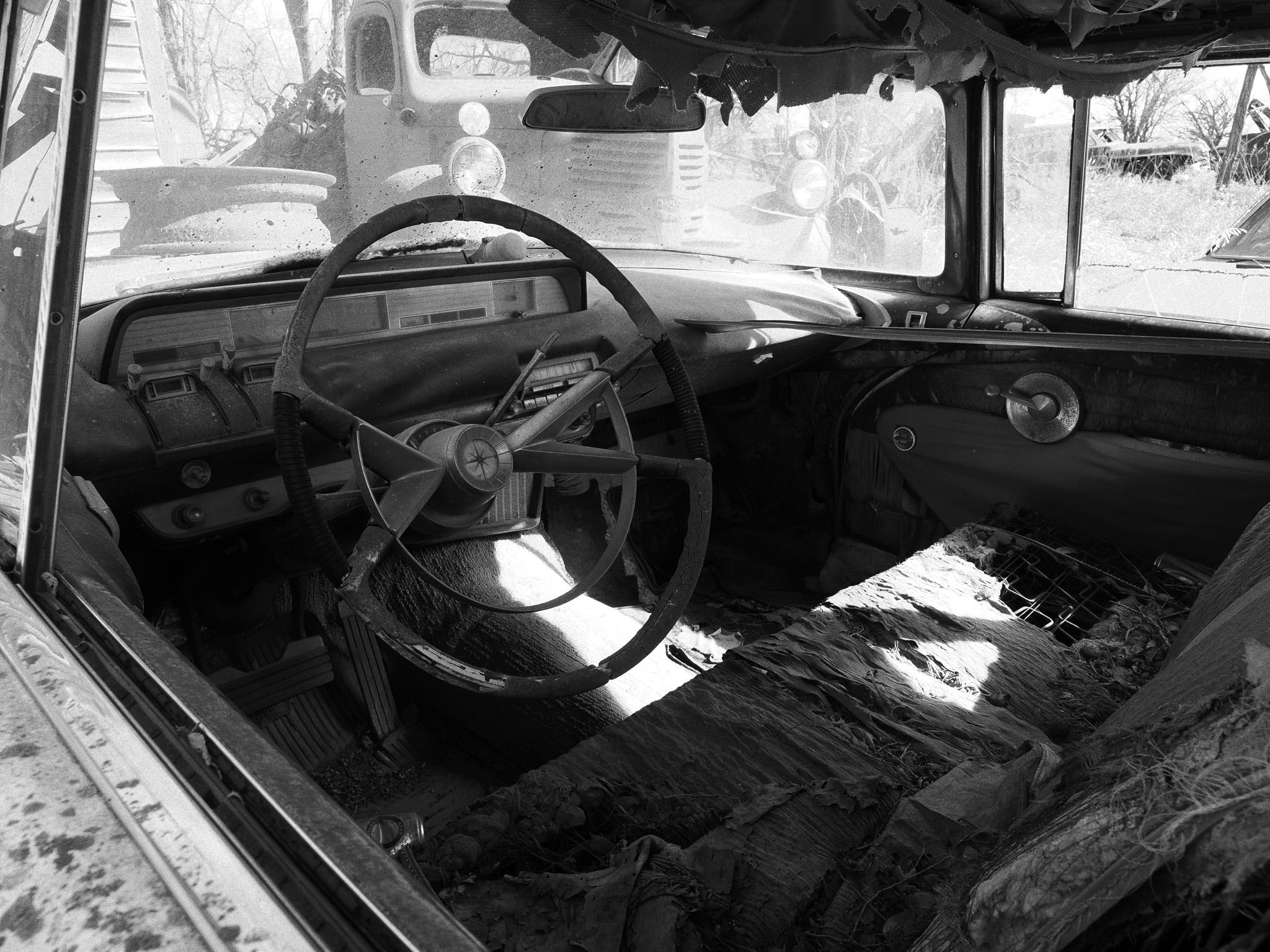
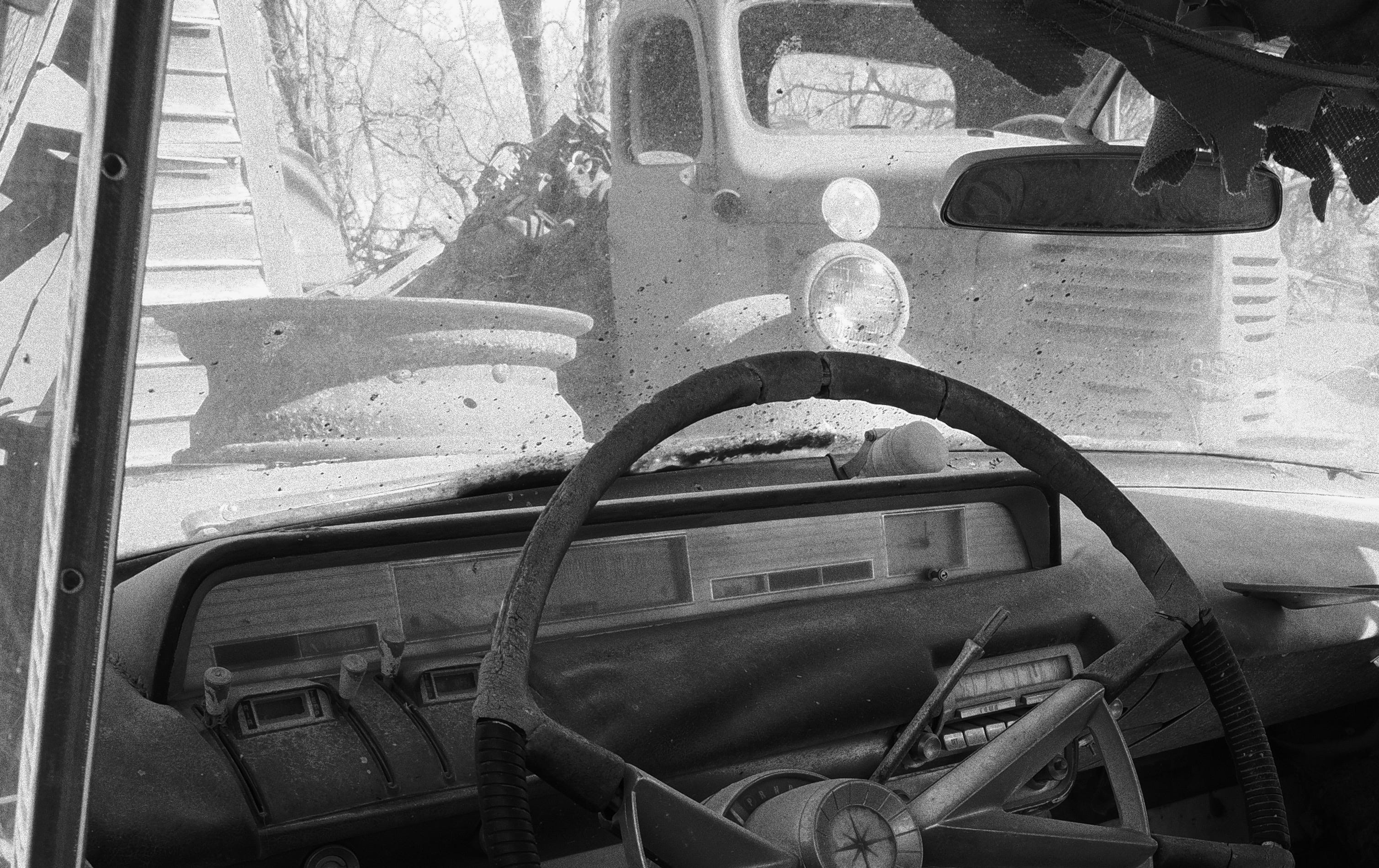
Zooming into the highlights reveals a ton of detail in the outside world, while keeping the interior’s shadows full of texture.
In 2026, modern jpegs are fantastic. I can pull highlights back, push the color around, and recover more than I expected. Do RAW files have a lot more data? Yes! However, the old idea that you have to shoot RAW to do much editing isn’t always true.
JPEGS ARE PERMISSION
Try this out! I’m challenging you to think differently here.
EMBRACE THE JPEG!
Set your camera to the craziest JPEG look you can think of, and then get outside and take some photographs.
Pick a color profile or an art filter you’d normally ignore. If there are settings such as contrast, sharpness, and color manipulation, mess with those too.
Change your white balance to a custom one. This shifts a photo more than almost anything and can totally transform your entire style.
Now go out and shoot. Walk around your block. Shoot the sidewalk. Shoot the downtown you’re sick of. Take a photo of the stuff you’ve photographed a hundred times.
Tweak your settings based on reviewing your photos.
Repeat steps 1-4.
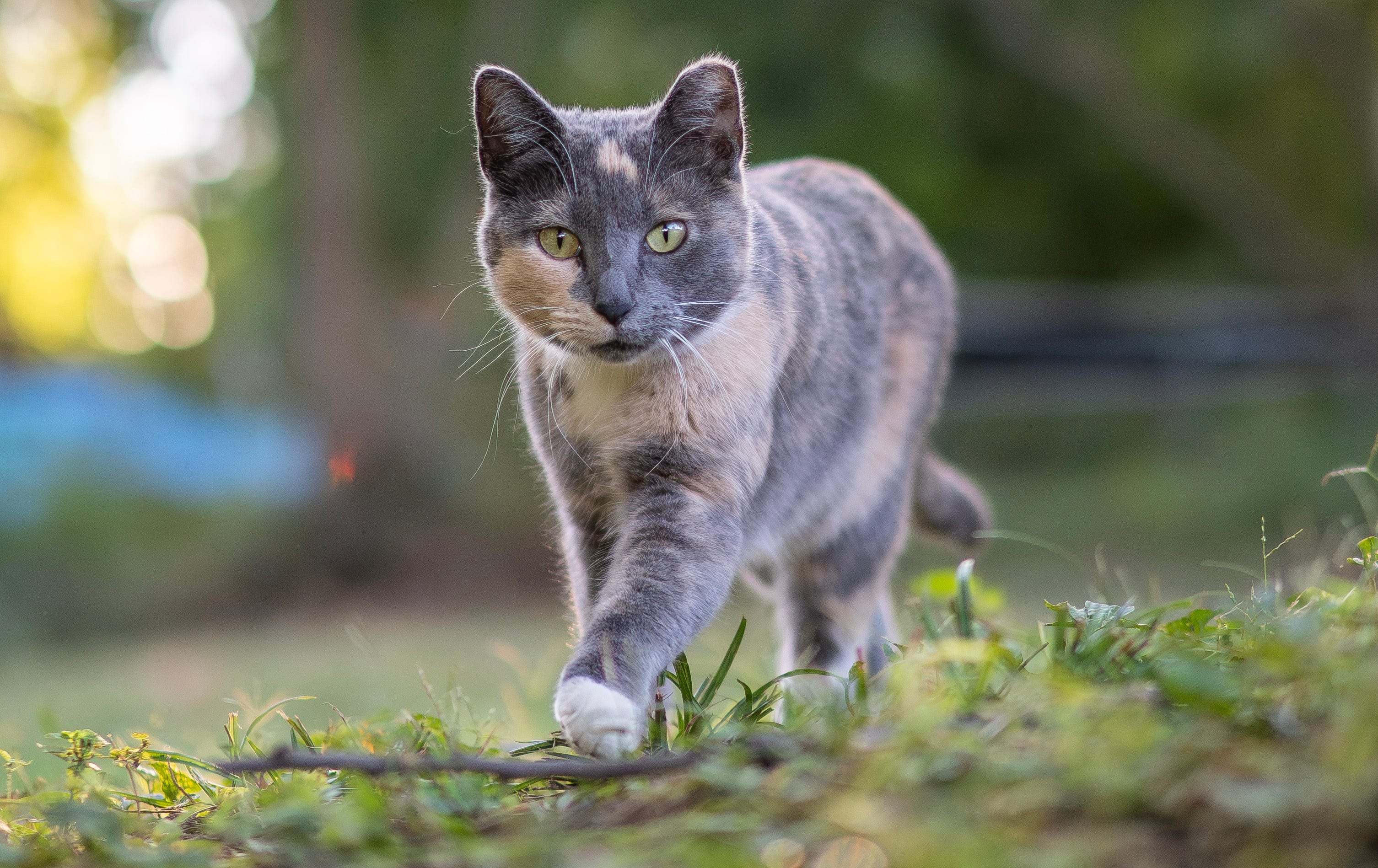
After doing this project, ask yourself: What did you notice about the jpegs? What did you like? What don’t you like?
Then do the steps again the next day with a different look.
The point isn’t the perfect photo! The point is getting out the door, having fun, and (possibly) finding a new idea or two based on experimenting with your camera’s jpeg engine.
I’d love to see what you come up with, so share it with me by replying here or emailing me. I’d love to see what you come up with!
P.S. - If you’re getting this, you’re probably already subscribed to my newsletter, but please share this with any photography enthusiasts who are looking for inspiration, tips and a positive photo community (no judgement here)!
And as always, send me any questions you have or topics you’d like to see me cover in upcoming newsletters or YouTube videos (you can subscribe here).
More than anything, even if you don’t purchase a print, subscribing to my YouTube channel, watching some videos, and leaving me a comment about what you think is a great, free, way to support me!
Oh - and this post is 100% AI-free. Every title, sentence, misspelling, and mistake is mine, and I love that.
DEATH TO THE ROBOTS.
Comments? Leave them below or email me: jerredz@gmail.com
I used to shoot JPEG, was convinced to switch to Raw for a few years and now I’ve been back to jpegs for last 2-3 years. So why??? my dirty little secret is I HATE editing photos!!! No specific reason I just don’t like spending time doing it.
BTW, I went to a Rockbrook Camera photo editing class taught by Jerred. Now 6 years later I still use 90% of the skills I learned that day!
I shoot jpeg 99% of the time. I love to spend my quality time clicking a camera rather than pushing a mouse. With Capture One, Photolab, or Lightroom I can tweak, crop, and post a good jpeg within minutes, and that suits me just fine.