

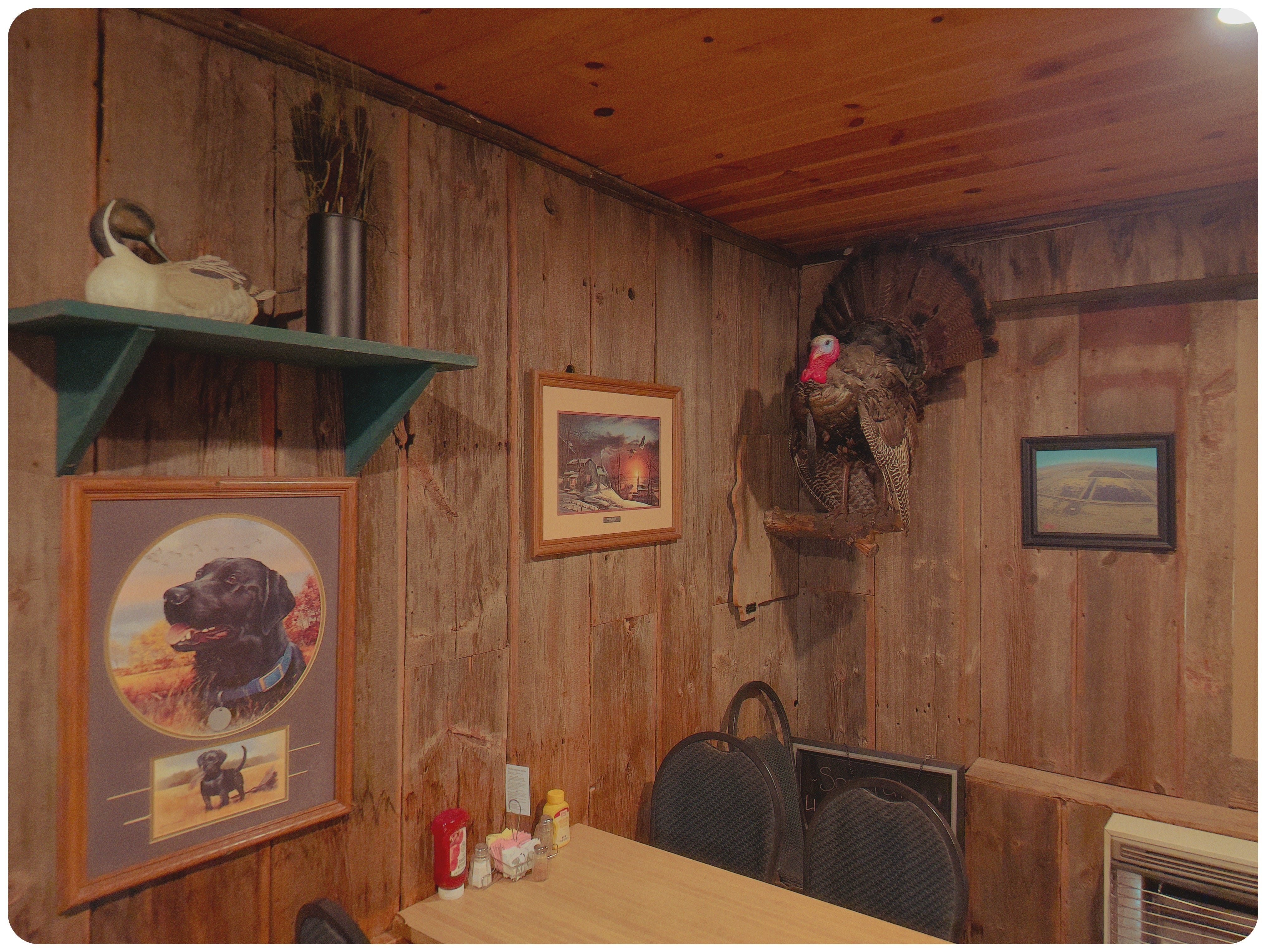
This is the photo that made me believe in cell phone photography again:
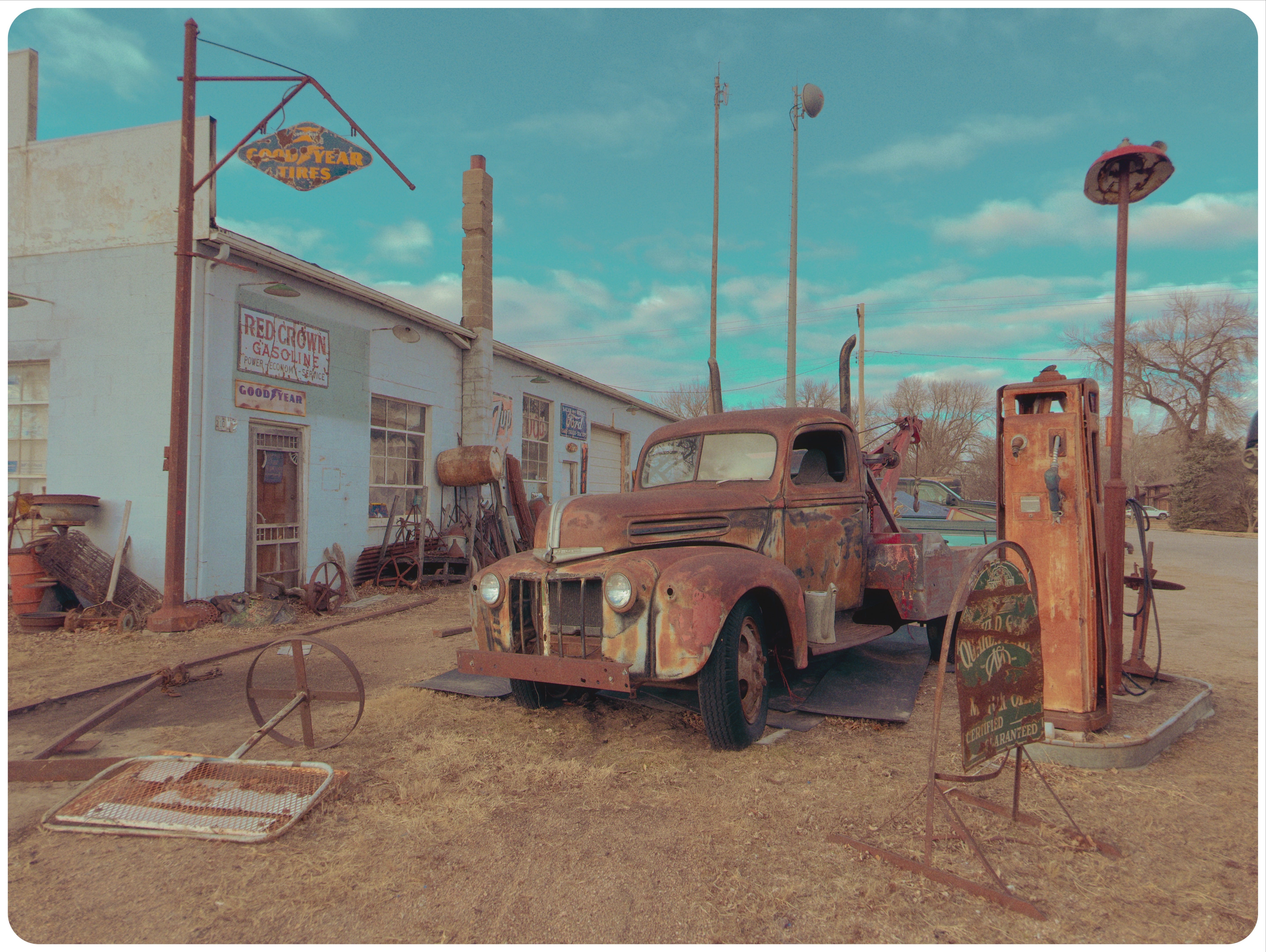
The colors are cool, the mood is just about perfect, and it captured the mood a lot better than what I took with any of my “pro” cameras I brought that day.
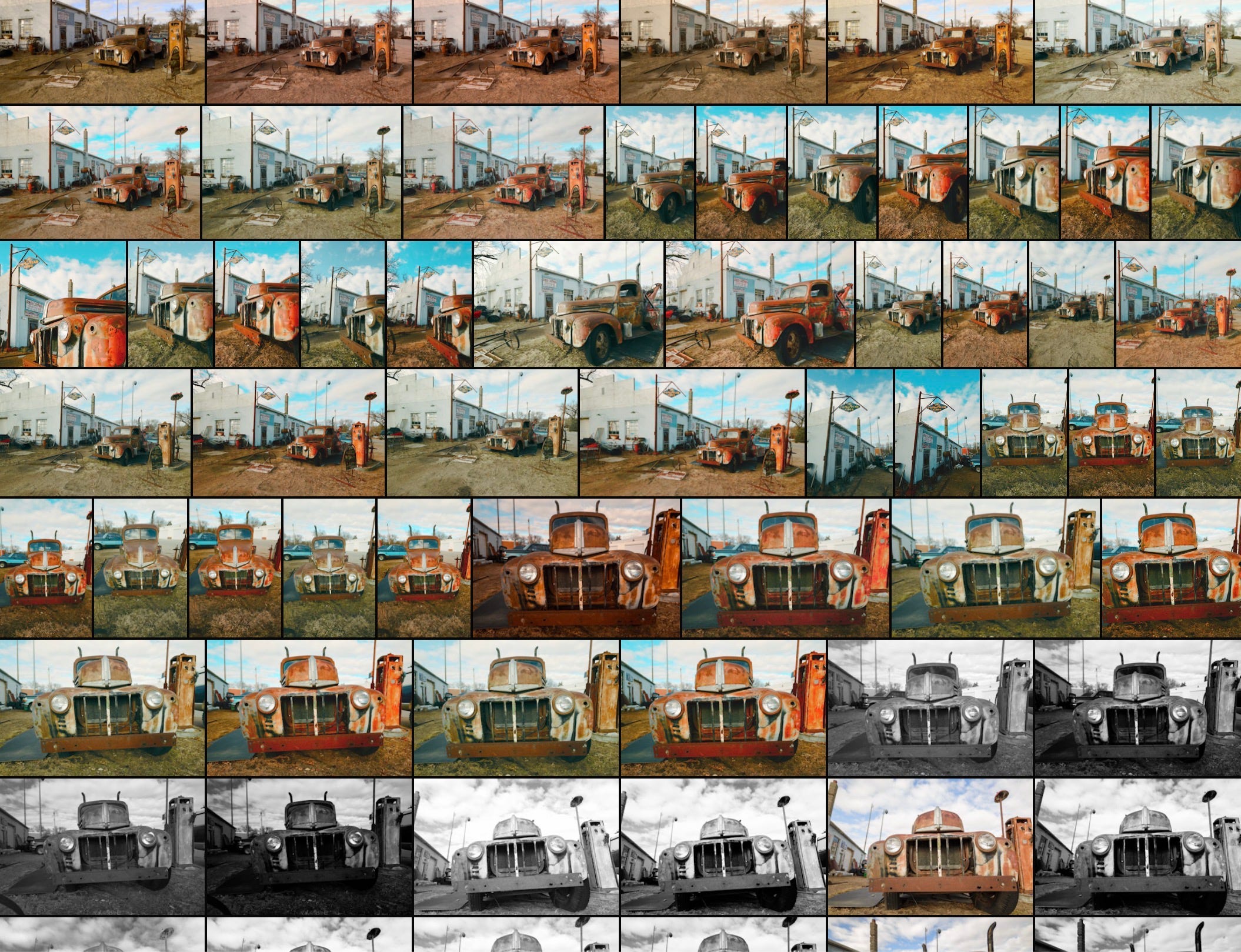
I liked a lot of those photos… but the shot of the day DEFINITELY was the iPhone photo.
I was using the iPhone 14 Pro and the Mood camera app (I’m pretty sure it was a low-cost 1-time fee), which is one of many camera apps that either tones down or completely eliminates the clinical, so-good-it’s-not-good, overly-processed look I LOATHE out of most of my cell phone photographs.
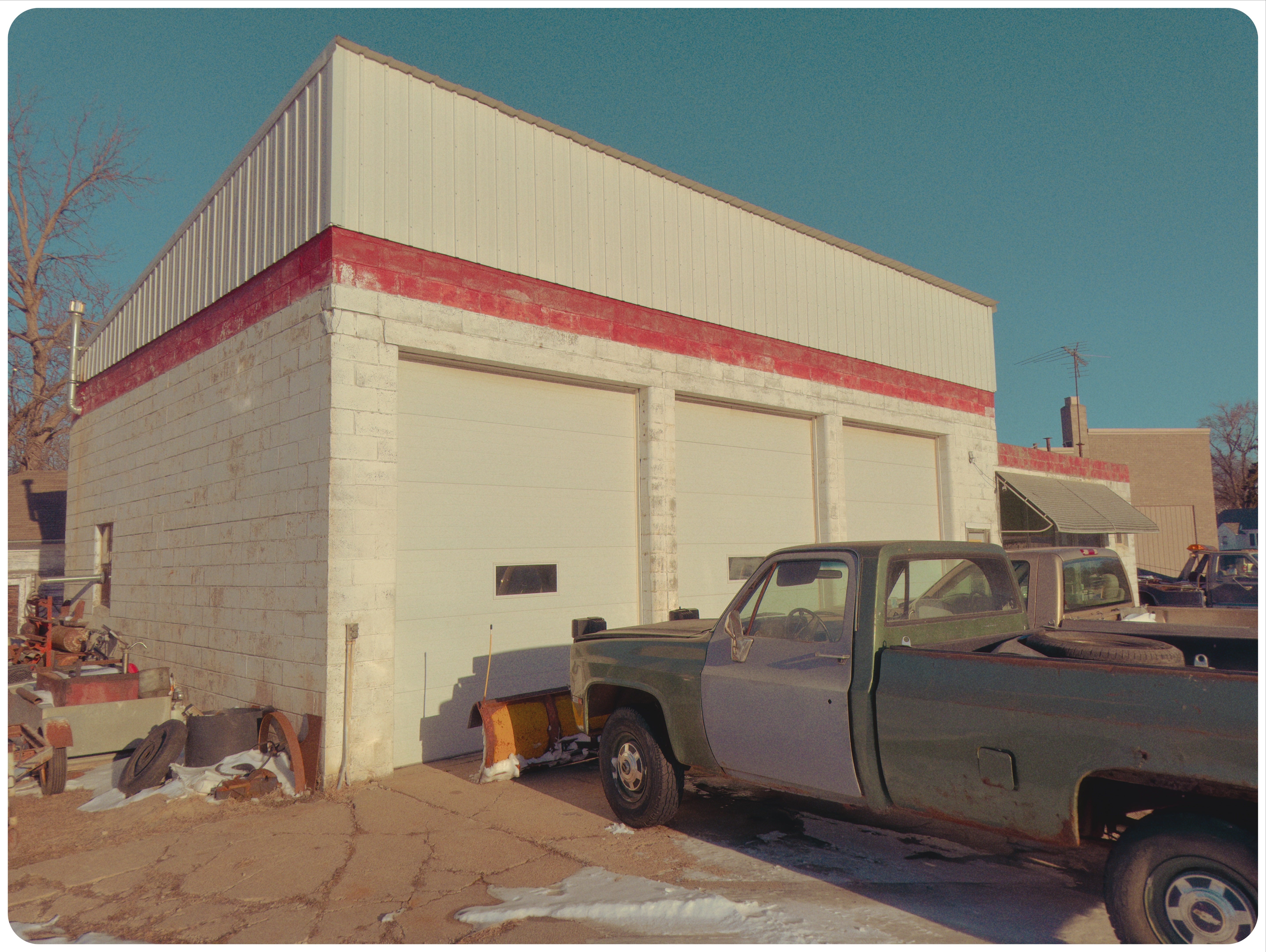
Mood, and other apps like it, dial down processing, lower contrast, adds grain, and lifts the shadows. Many of these apps also allow you to save “recipes” in the camera, just like Fujifilm, OM SYSTEM, and other cameras.

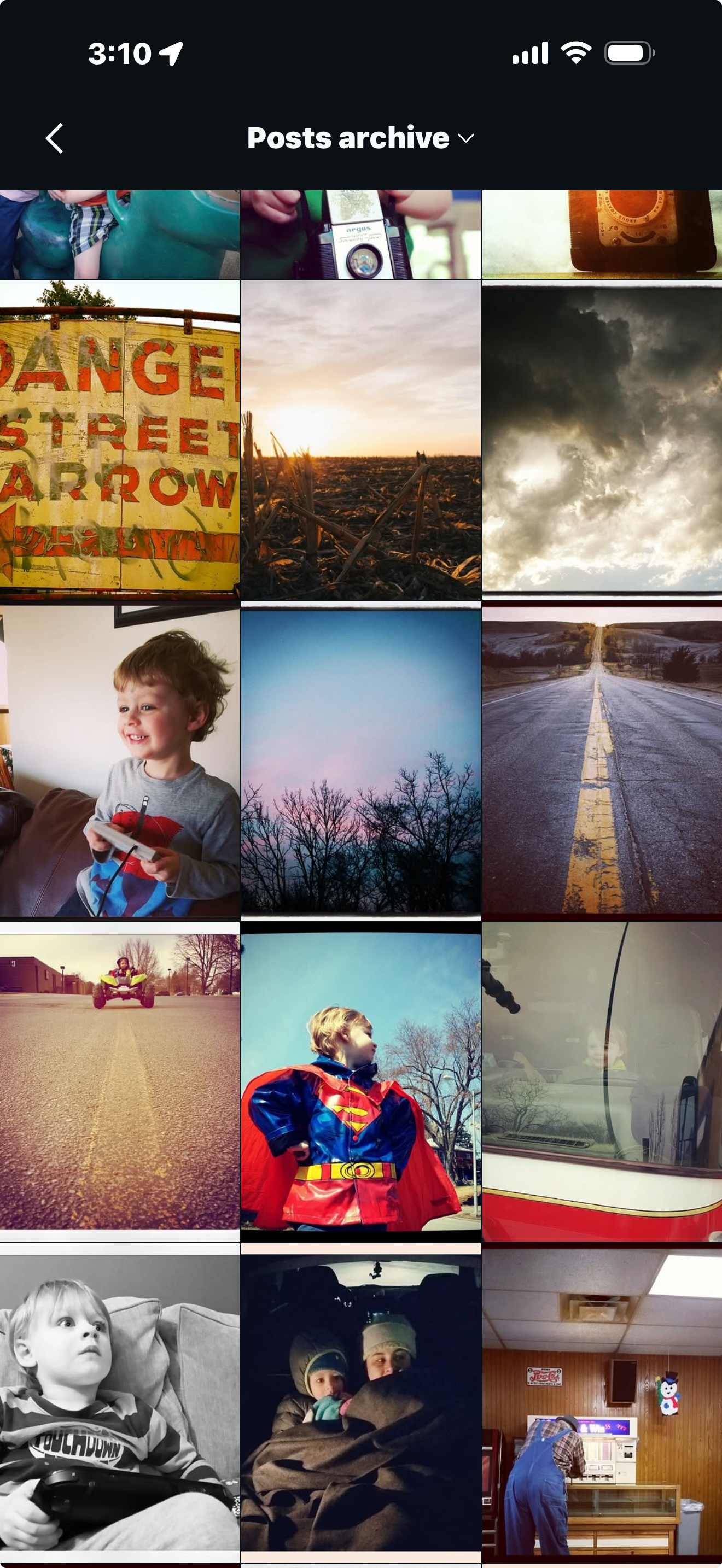
For me, it echoes how my cell phone photographs used to look, many, MANY years ago (back when Instagram was fun… oh I miss those times!):
I hear a lot of photographers making fun of the “kids these days” because new photographers are trying to find the crappiest old compact cameras on the market.
And, you’d think the resurgence in film was mostly old men firing up their film cameras again, but instead, it’s young people behind the film resurgence.
Young people are getting the hint that our overly-processed cell-phone photography is just NO FREAKING FUN!
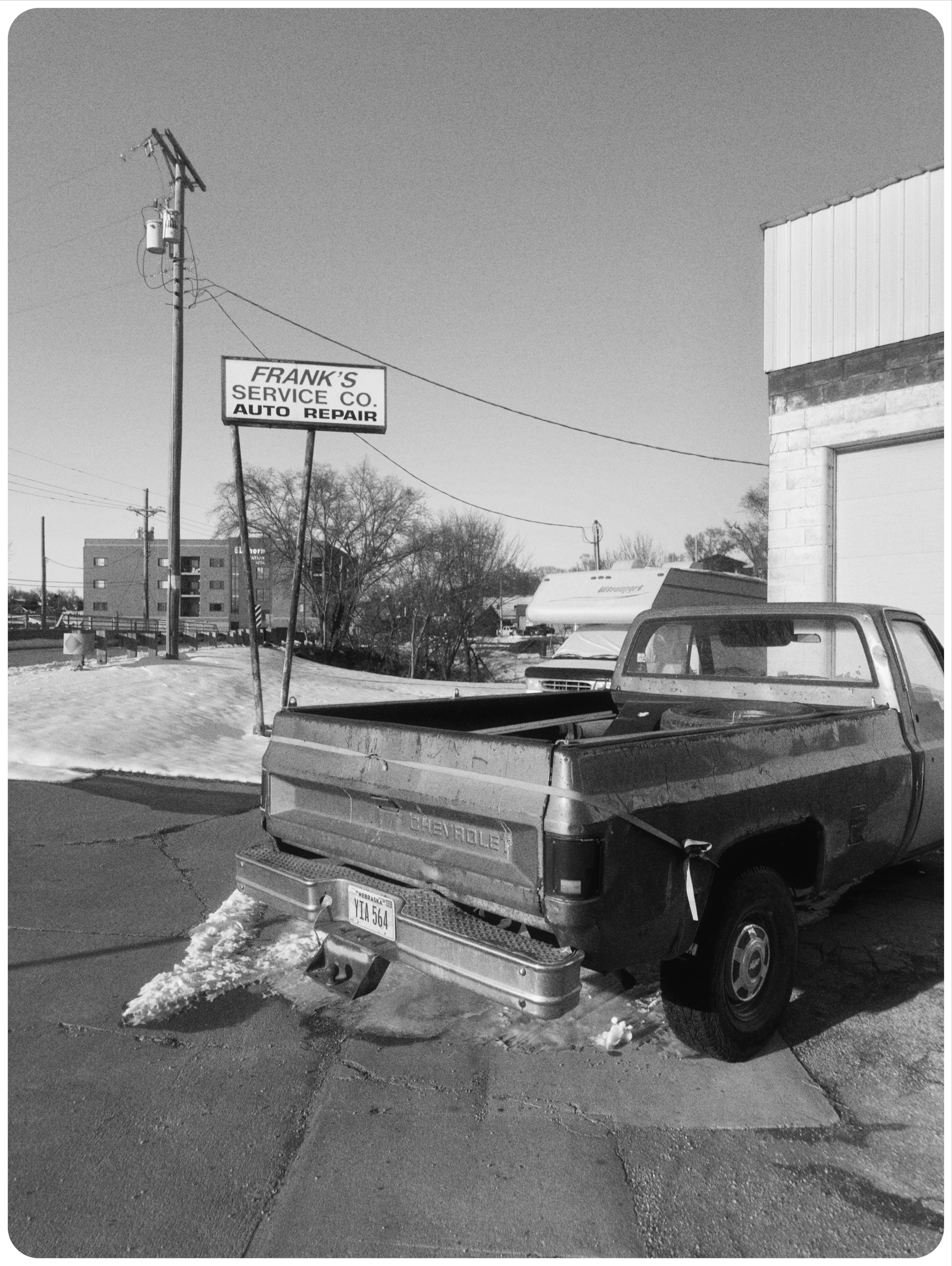
The kids are on to something, and I’m totally on board. Let’s mess these cell phone photos up!
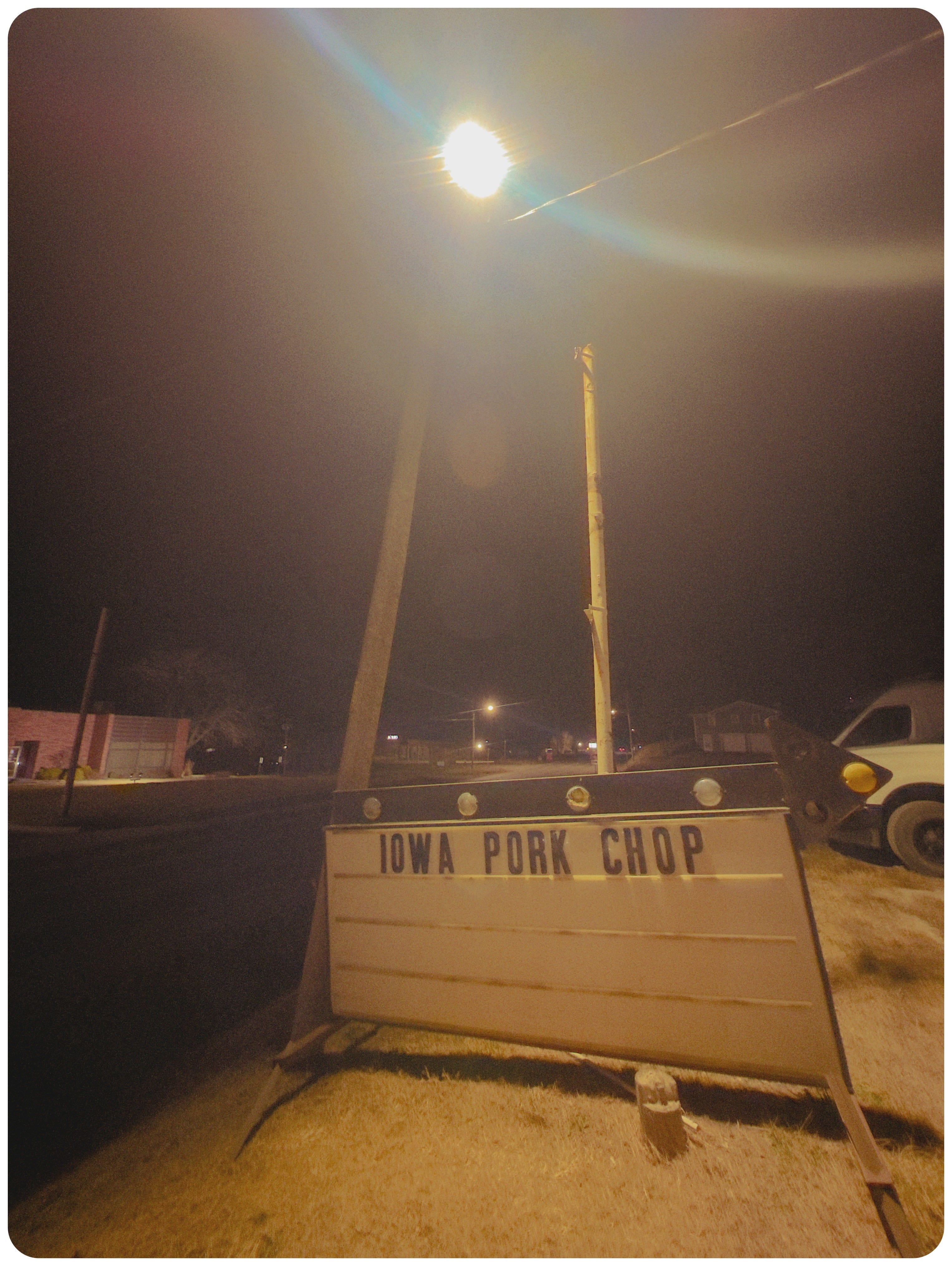
Because the fun, flawed, frivolous nature of some of these apps totally speaks to me, and gives me a freedom to create no other camera really gives.
Cell phones are like air. No one notices them anymore. You can pull out your cell phone and take as many photos and videos you want in most locations, and no one cares.


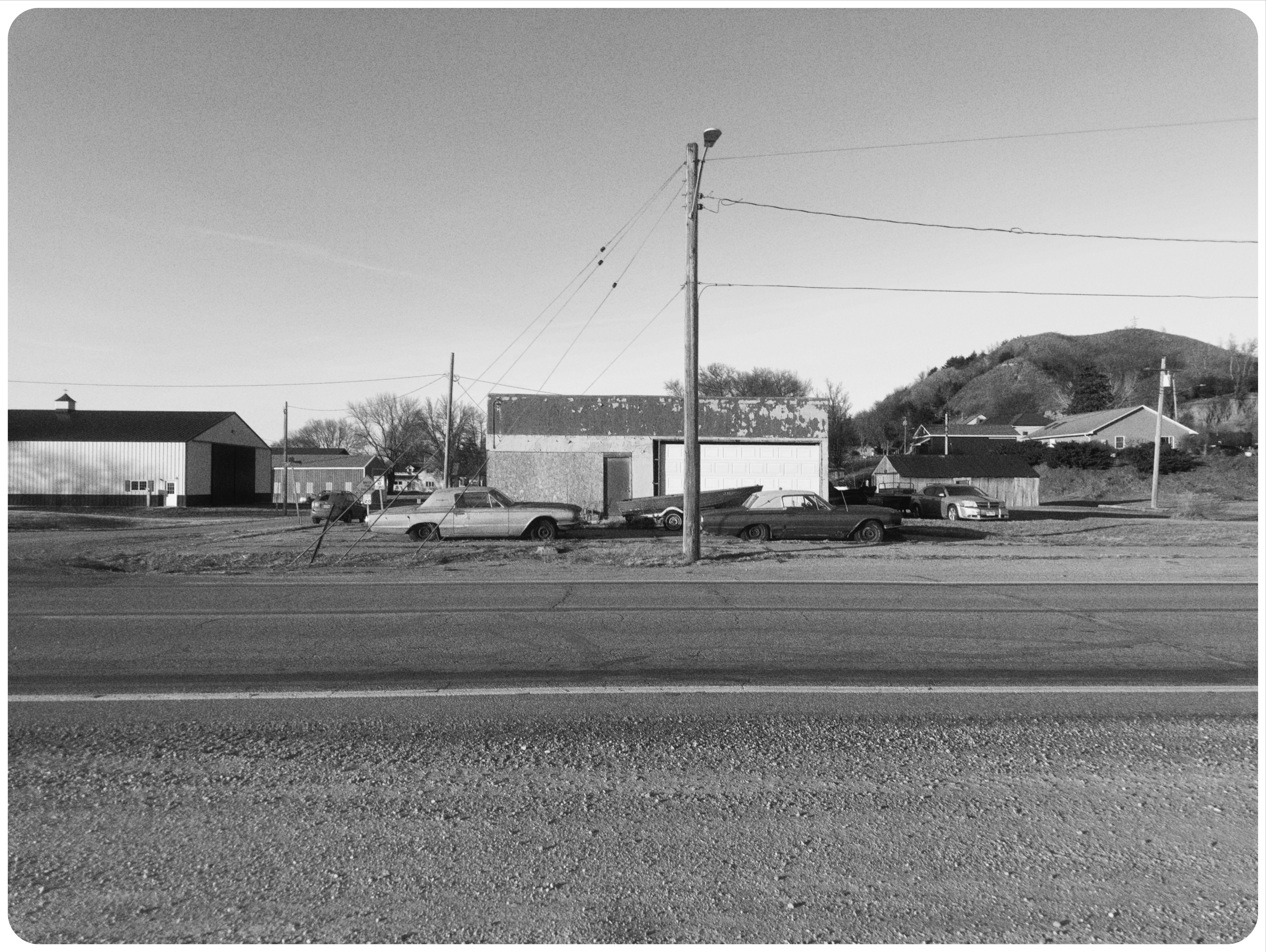
Pro cameras are too big and are NOT always with us. I don’t take my “every-day carry” to the hospital when I take my mom in, but my cell phone can capture this dusty old car in the hospital parking garage:


PRO TIP: USE THE FORCE
iPhones are totally inferior to professional workhorse cameras (like my OM SYSTEM stuff), but they disappear from sight and just might do “auto” mode better than any other camera ever.
The idea I’m using is this: I pick an app, then a jpeg recipe, and then I don’t think anymore. I just point my phone at cool things, zoom in and out, and press the photo-taking button.
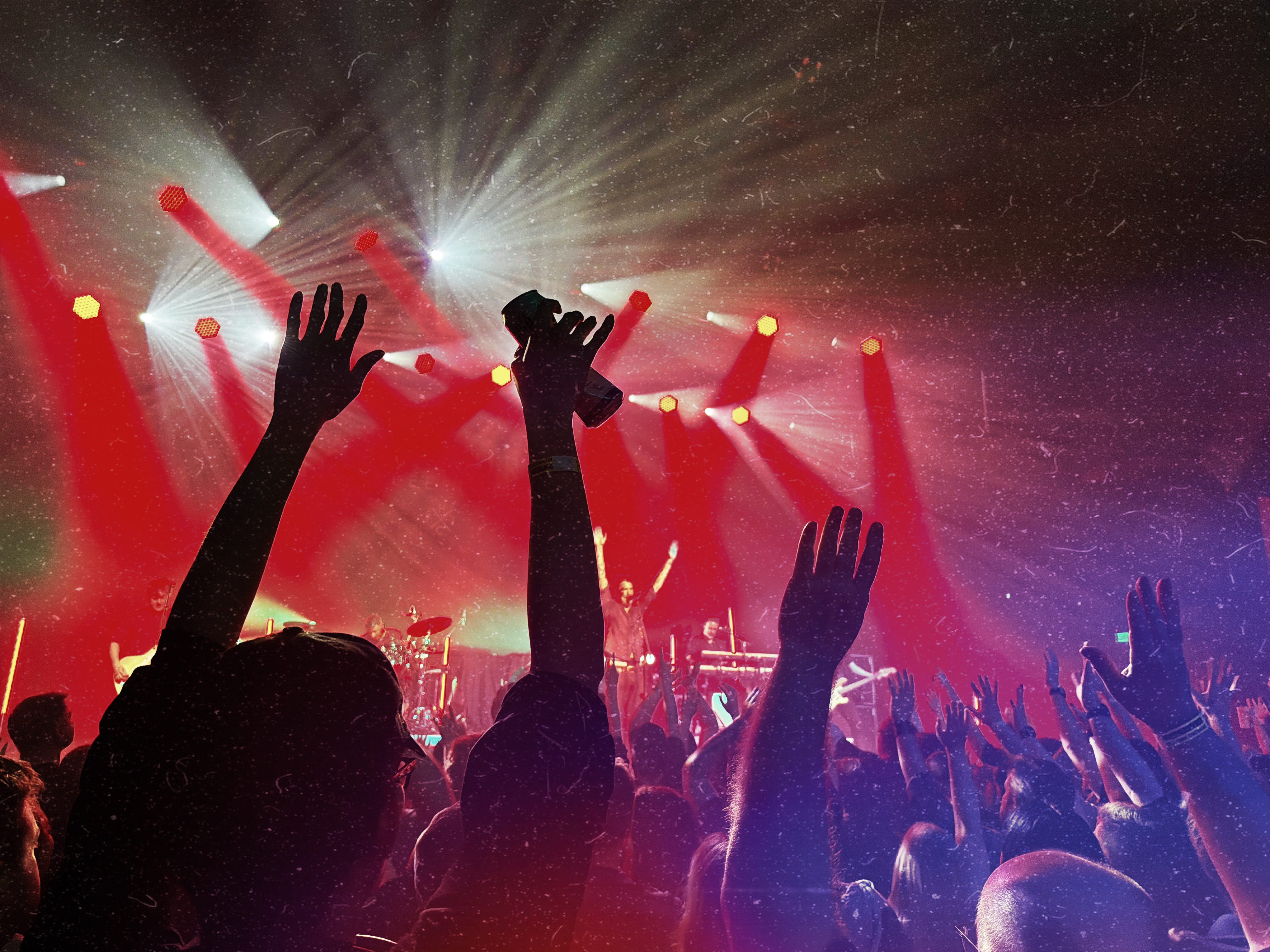
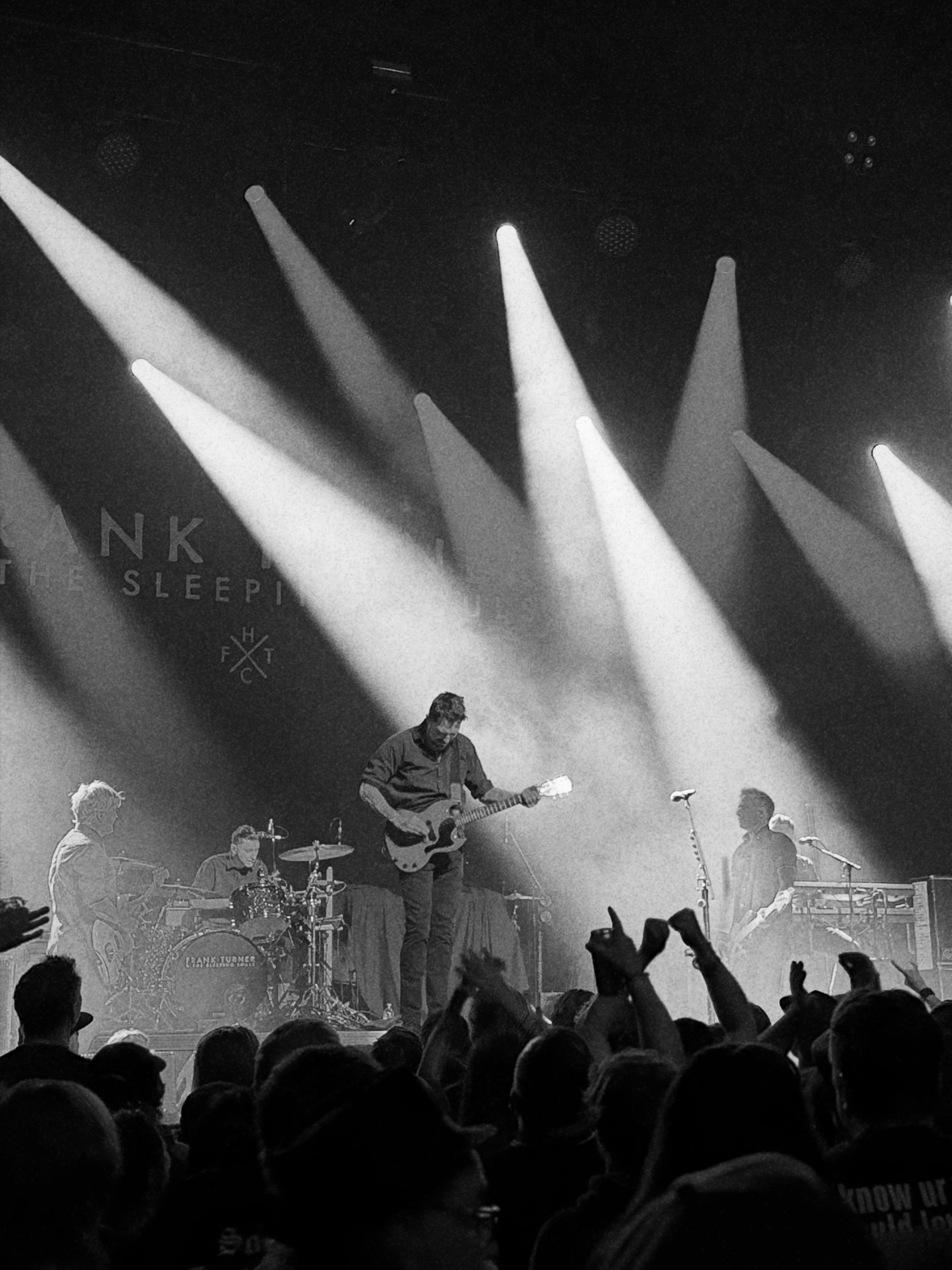
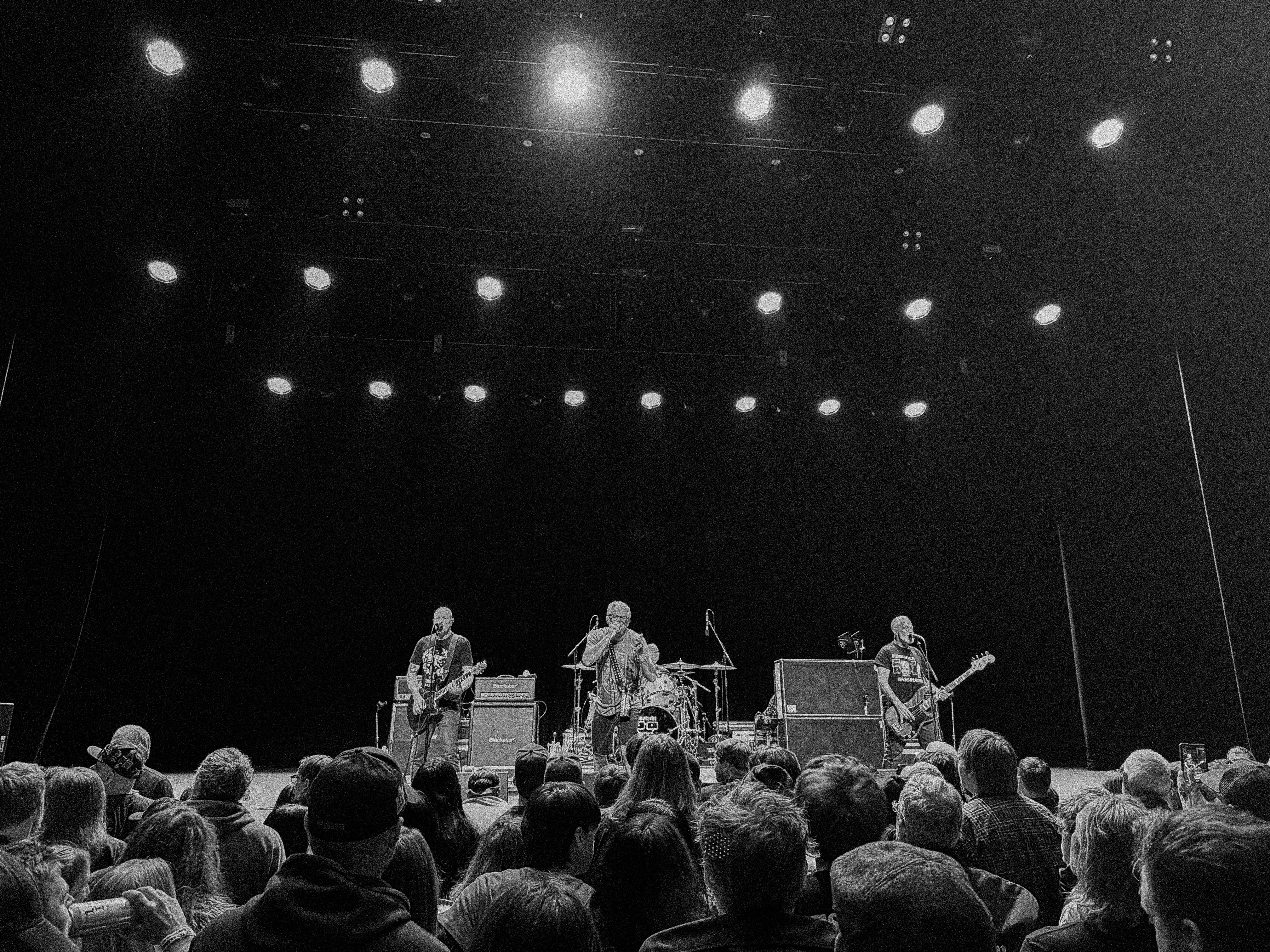
This is an iPhone 17 PRO photo from WAY back at the concert using the camera’s new telephoto lens:
I guess I can say WOW, right? It’s not perfect - there’s grain, and lost detail, but this photo HITS in a way a telephoto lens on an iPhone should not…
And it’s all in auto mode!
Here are some photos using the Leica Lux app. For these shots I’m looking for something cool to happen between the slower shutter speed (due to light limitations) and the random stuff like grain and depth of field effects that the Leica app throws in there.


I hope you don’t mind all the concert photos.
My son and I have been going to shows lately, and it’s been a fun way to experiment with these apps and how they work in some VERY difficult lighting conditions.
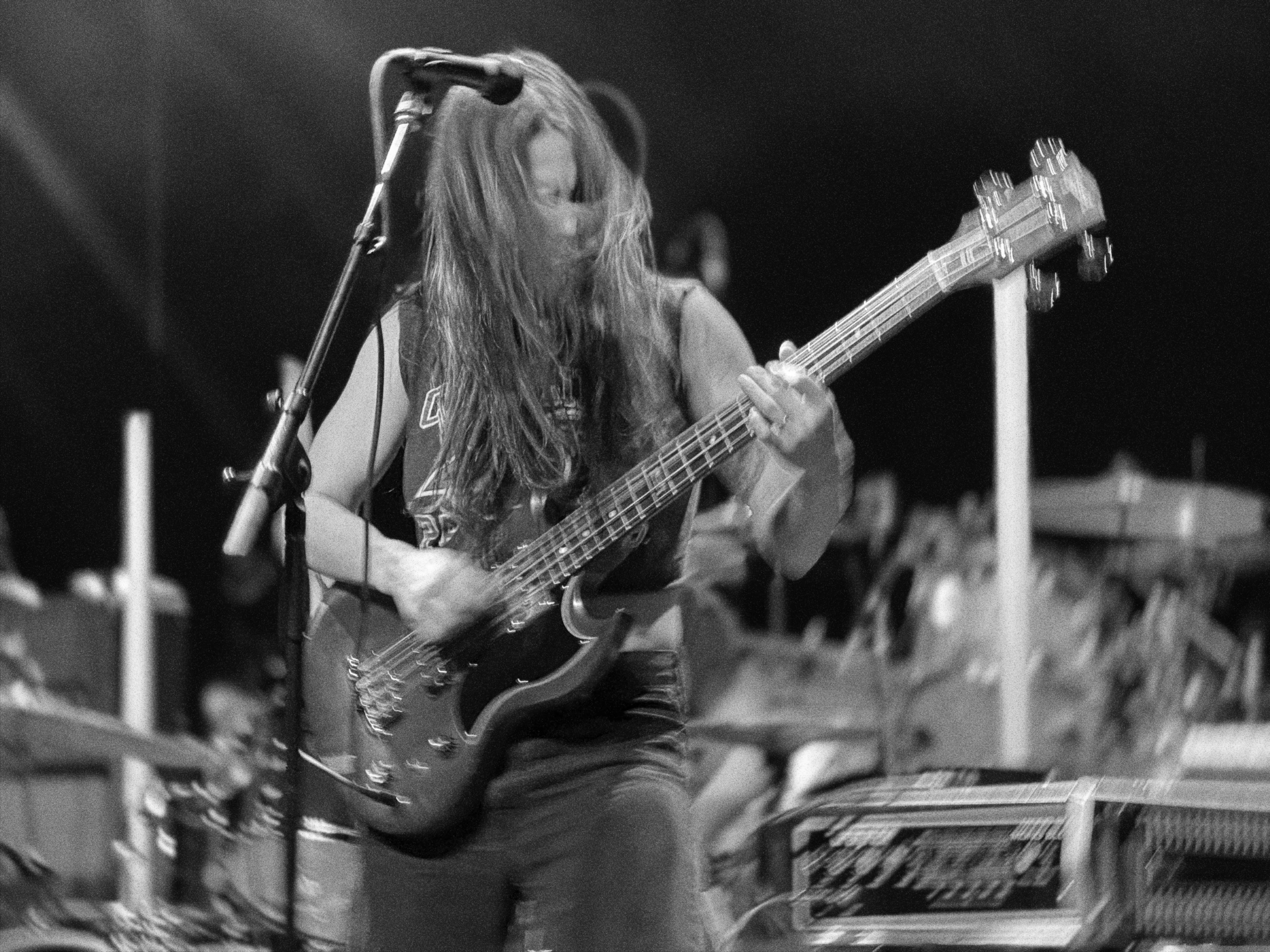
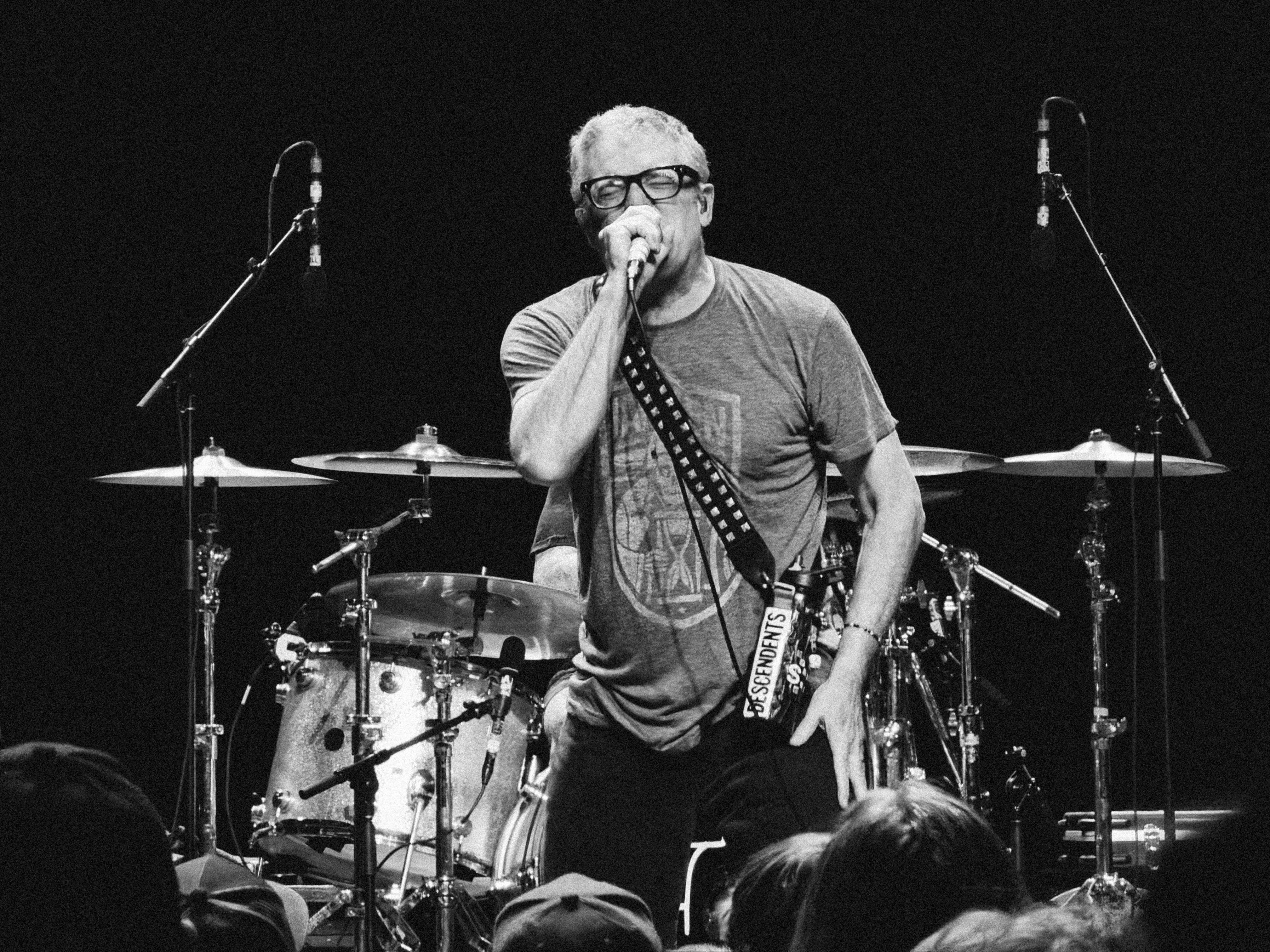
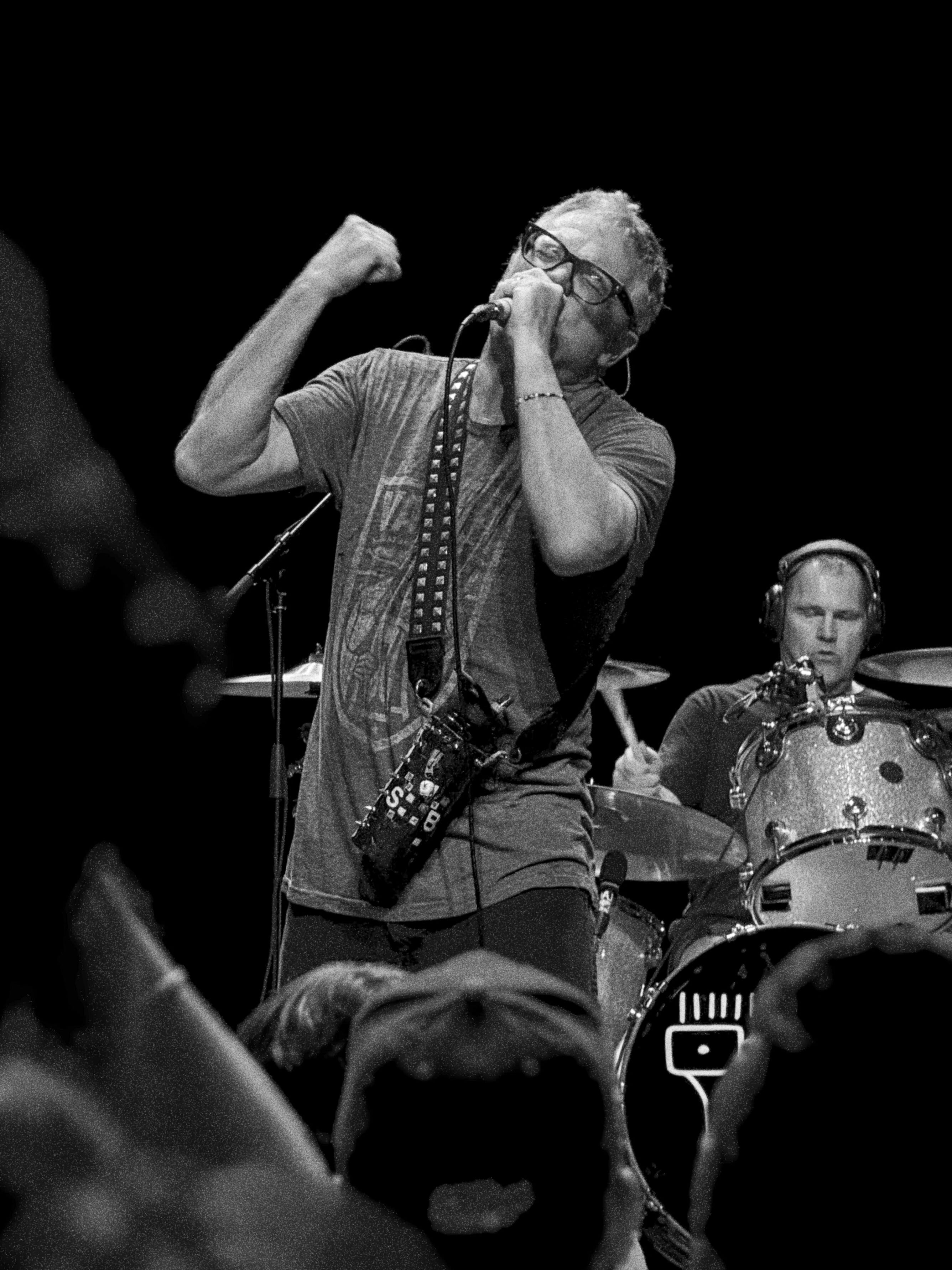
The iPhone 17 Pro with the Leica Lux app did a fantastic job of capturing cell phone photos that don’t look like cell phone photos. This next photo DOES NOT look like a cell phone shot. It’s honestly a little unbelievable:
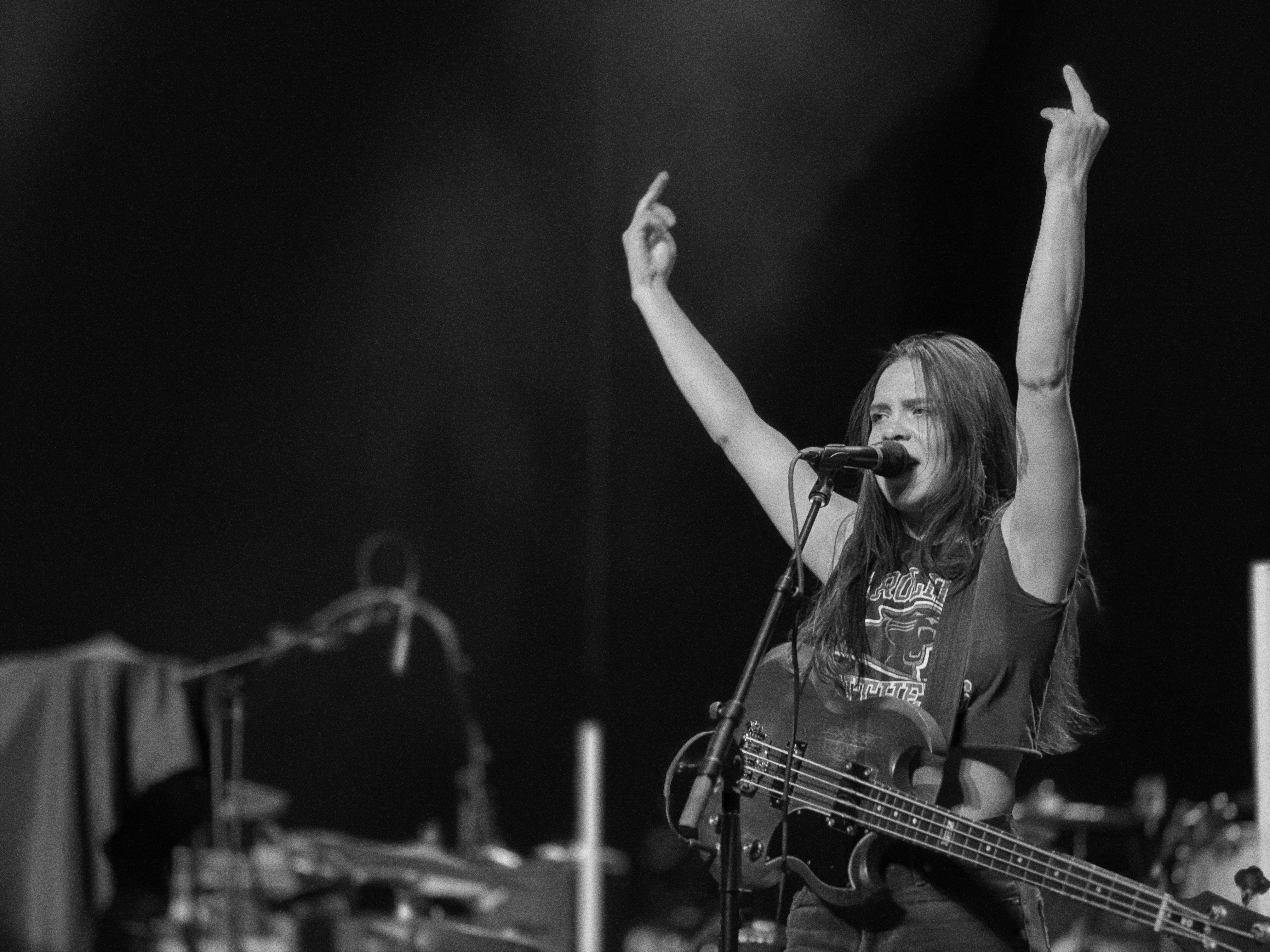
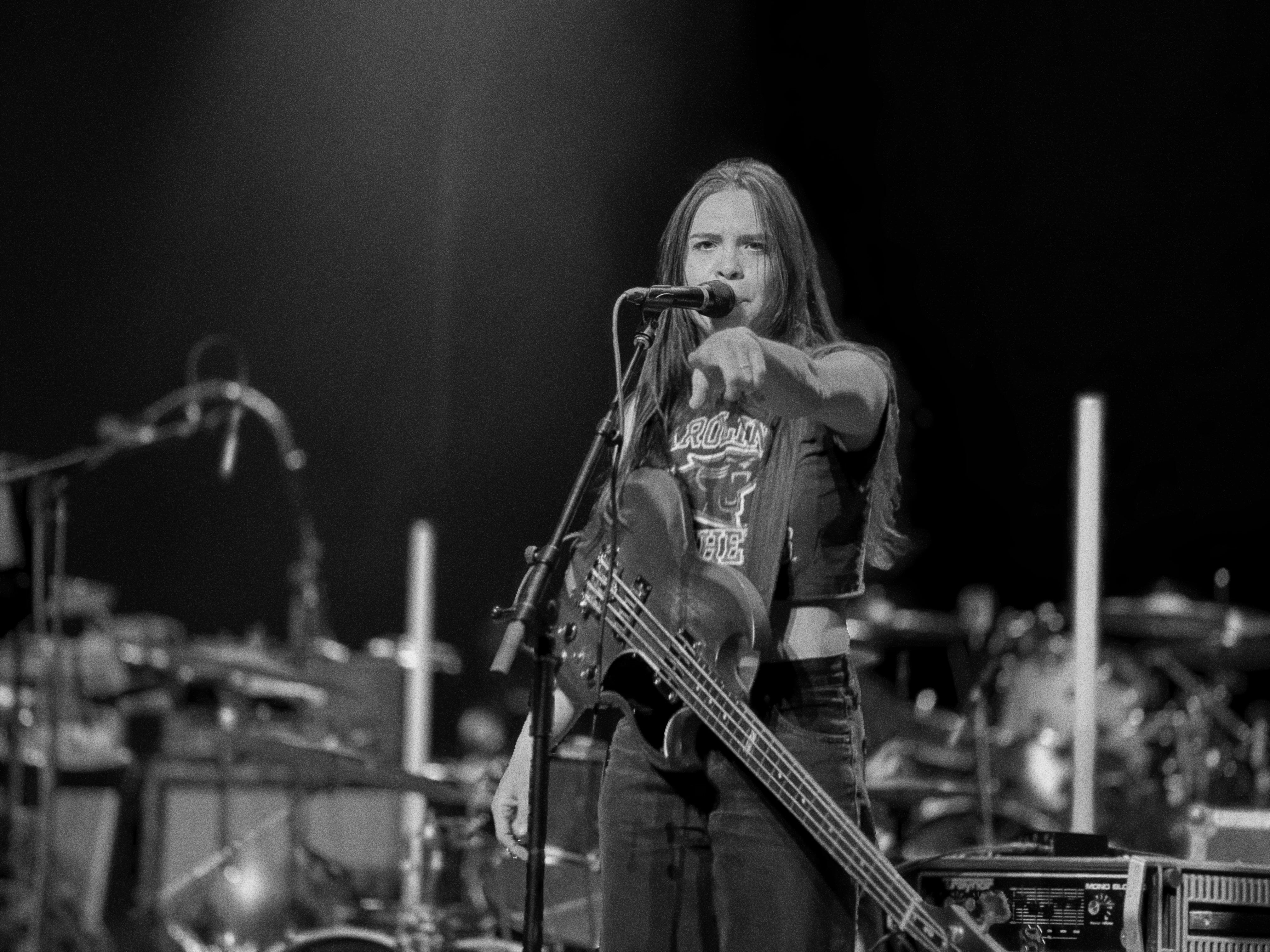
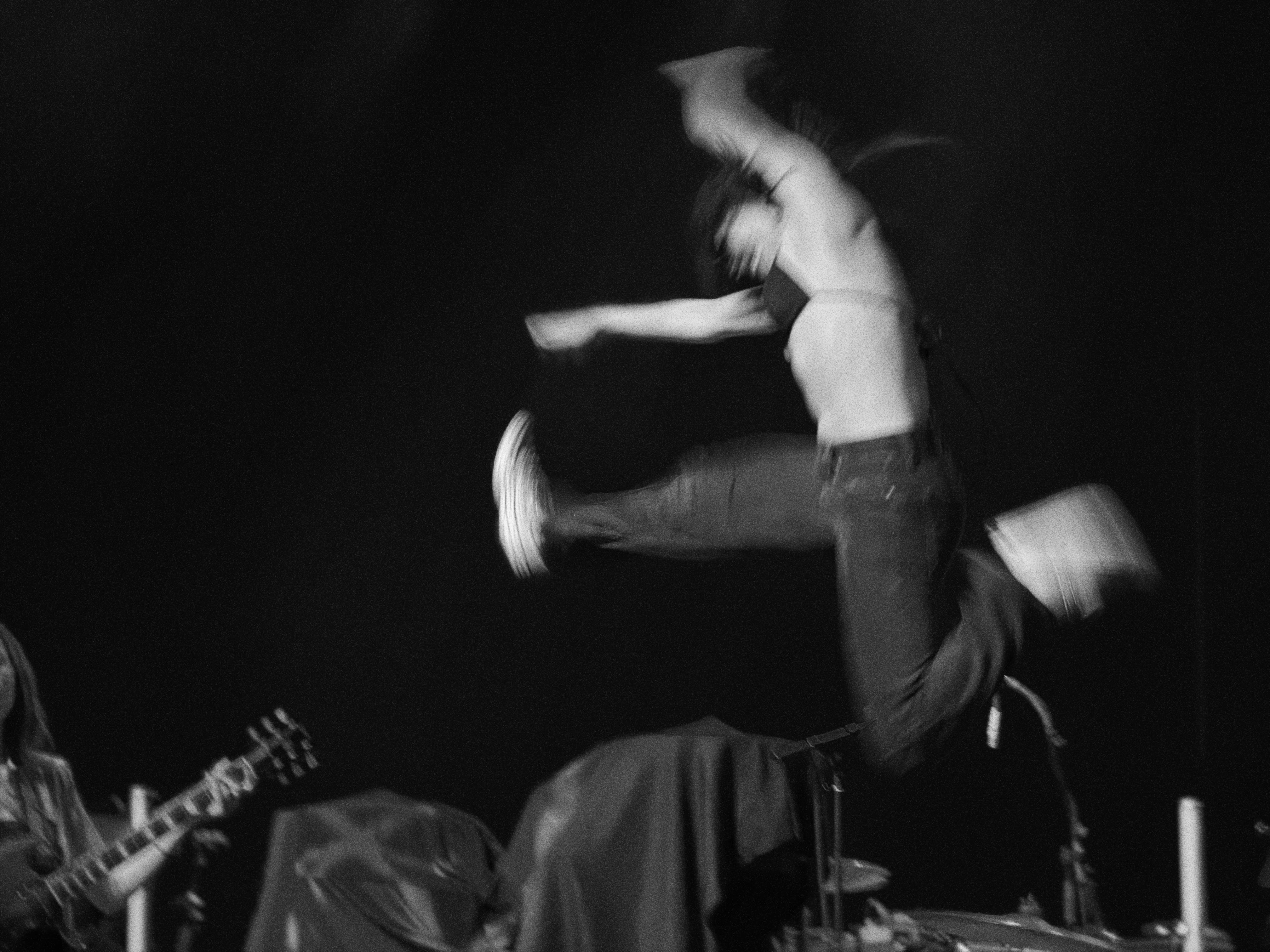
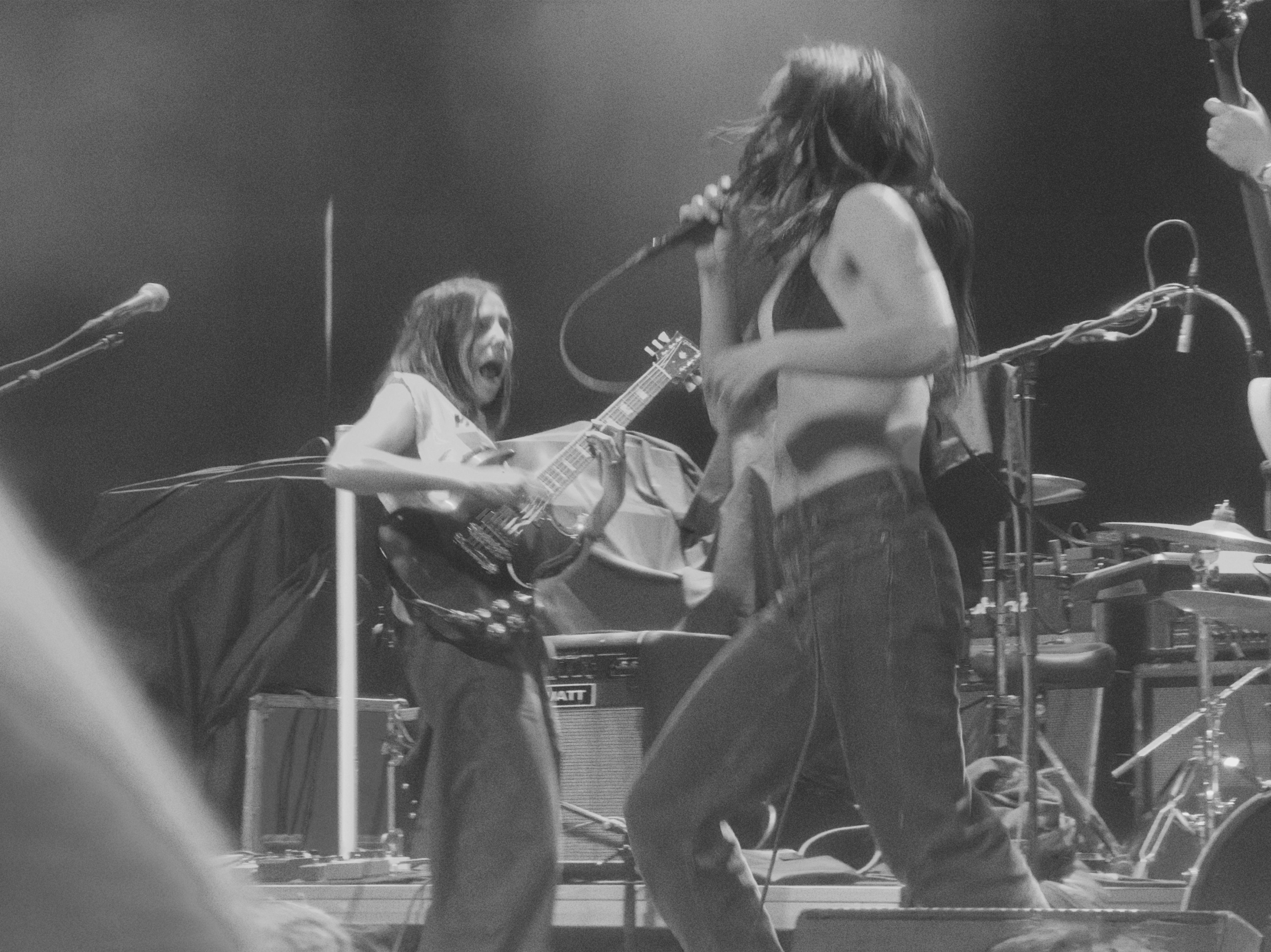
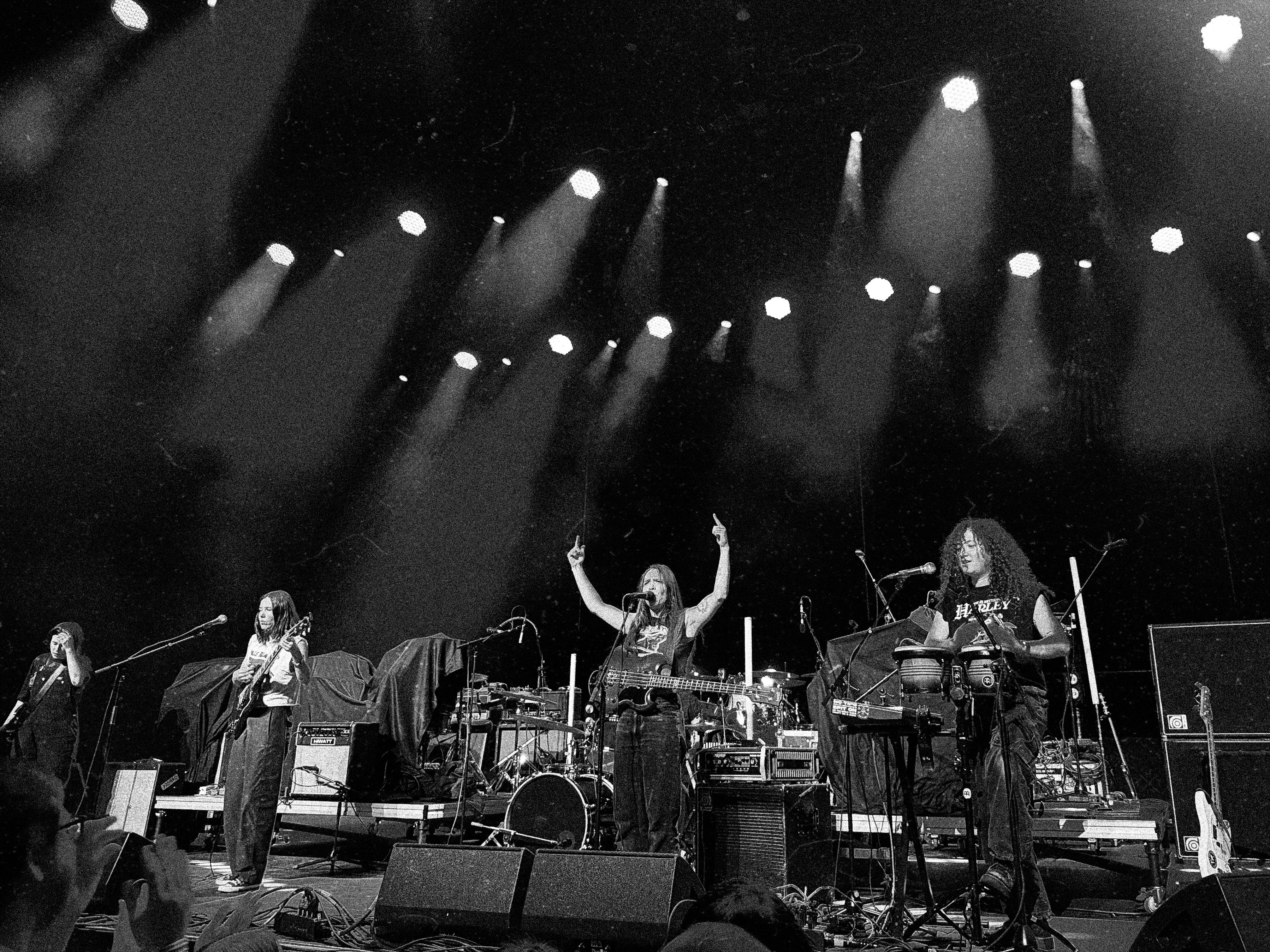
I love that so many of these are ones I don’t remember taking. I was just putting my phone up to the action and clicking away.

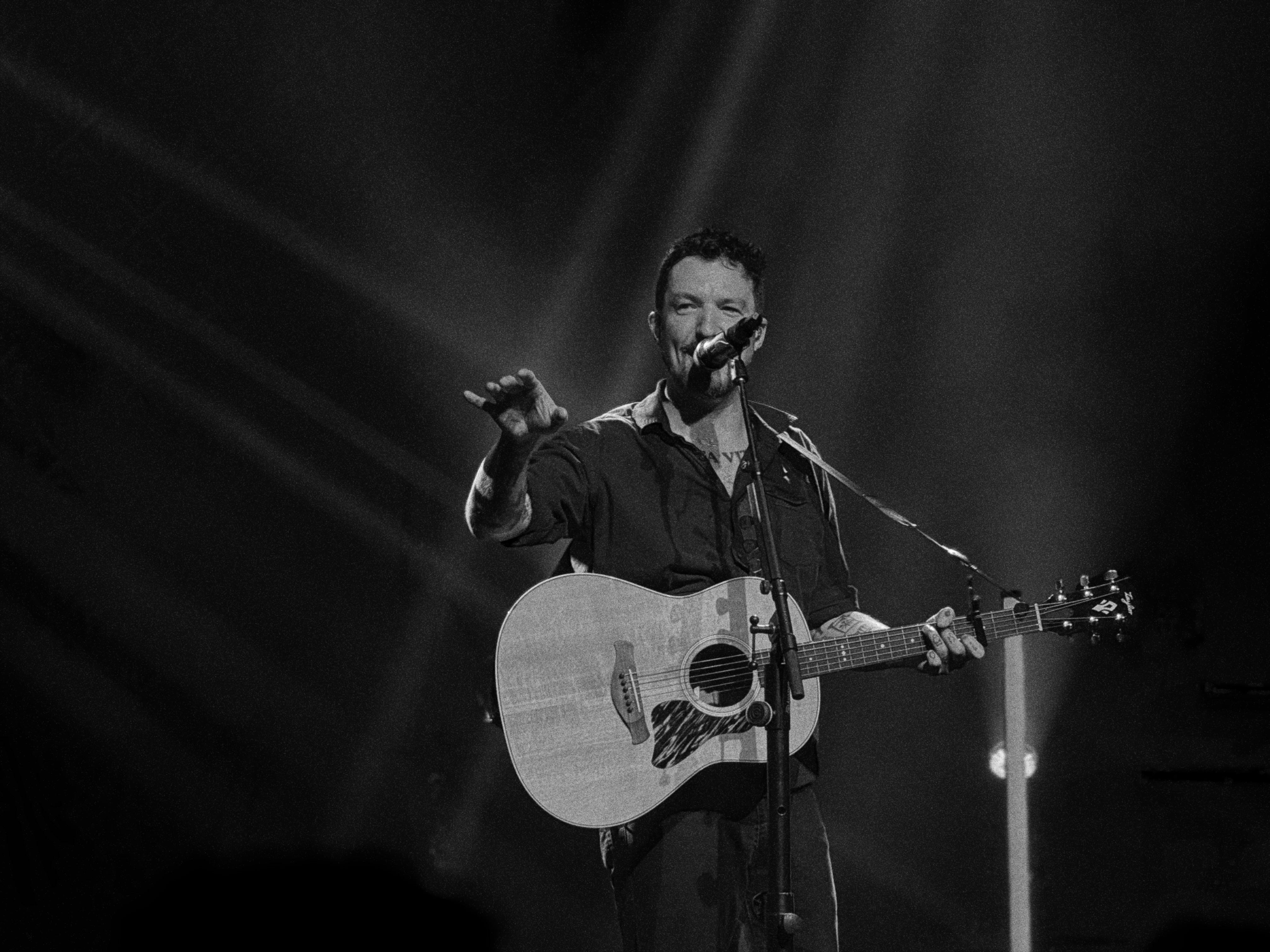
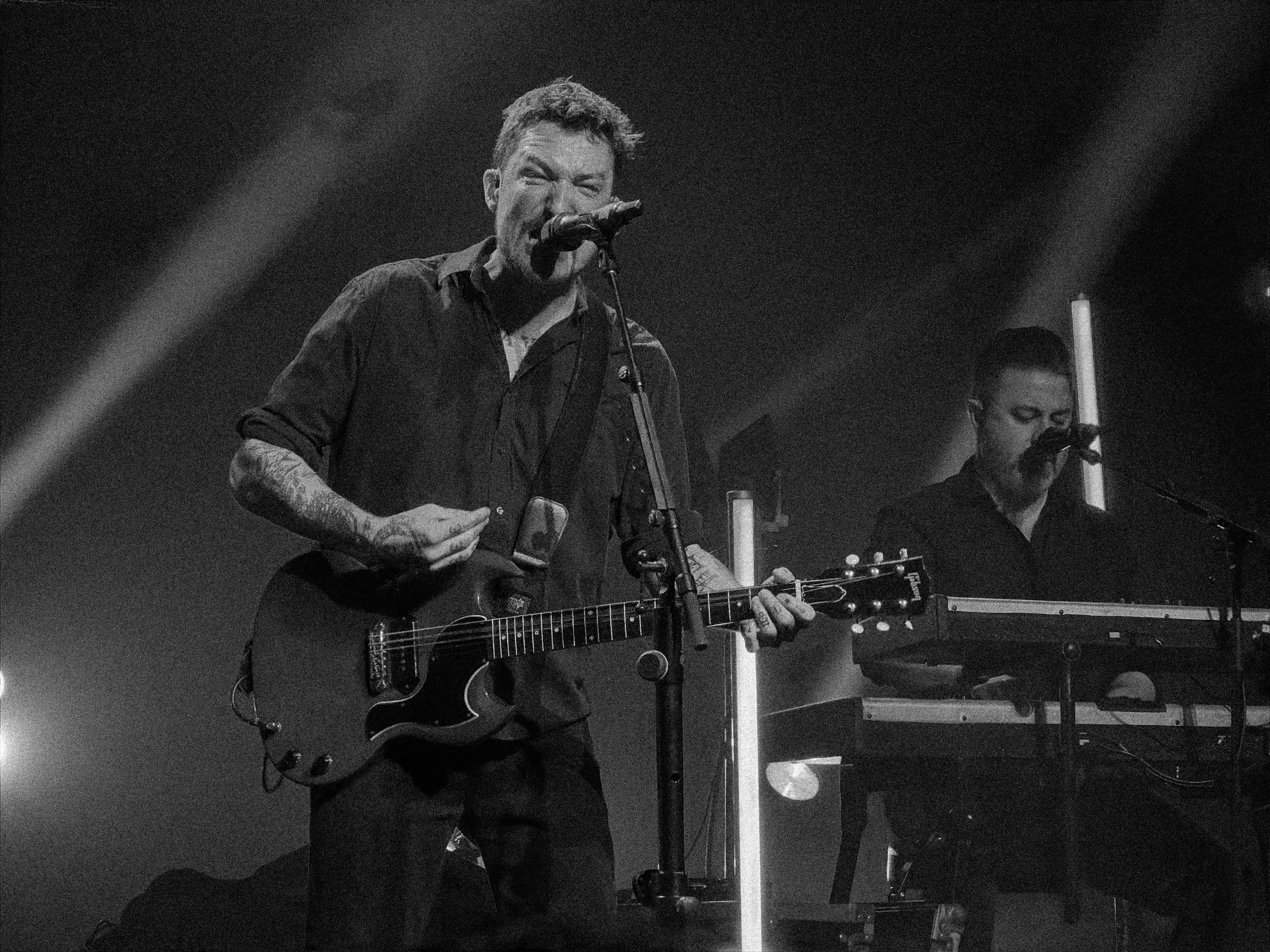
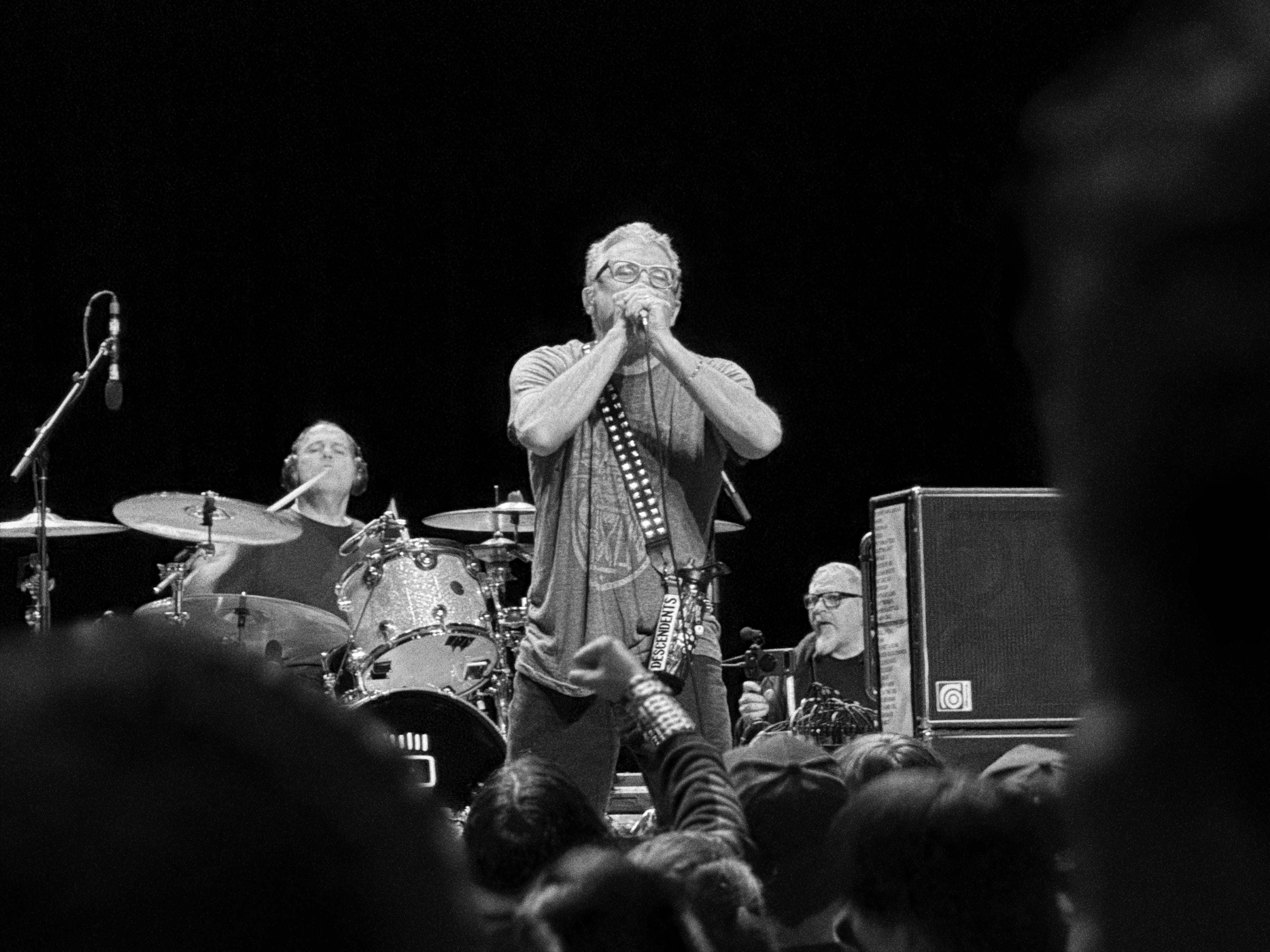
One of the benefits of using the cell phone is that I was able to create this from my photo roll from my couch in seconds using Adobe Express:
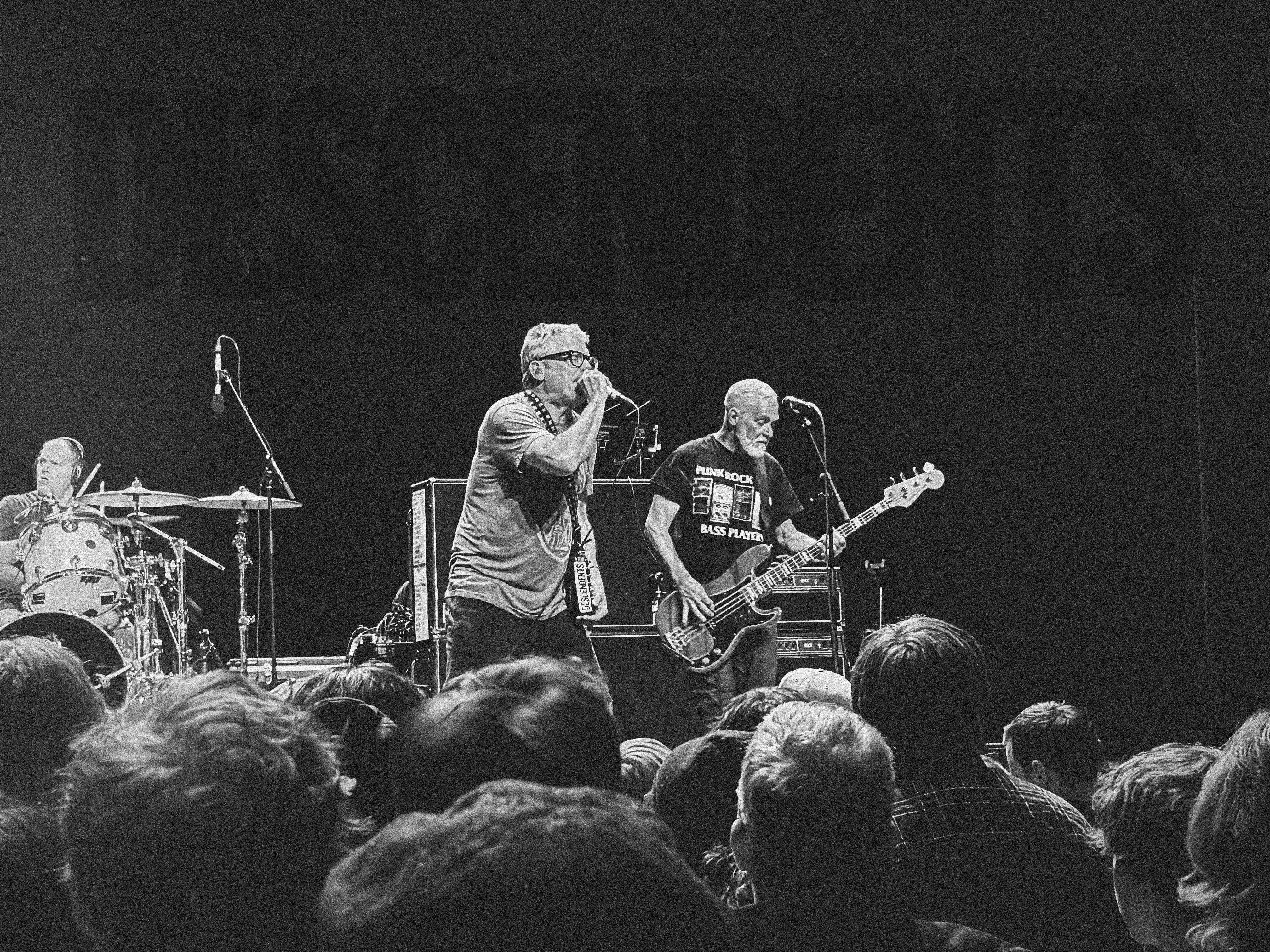
Our cell phones are fun storytelling tools. Getting the wide-medium-close photos in a situation like this with great quality across the range is really something special.


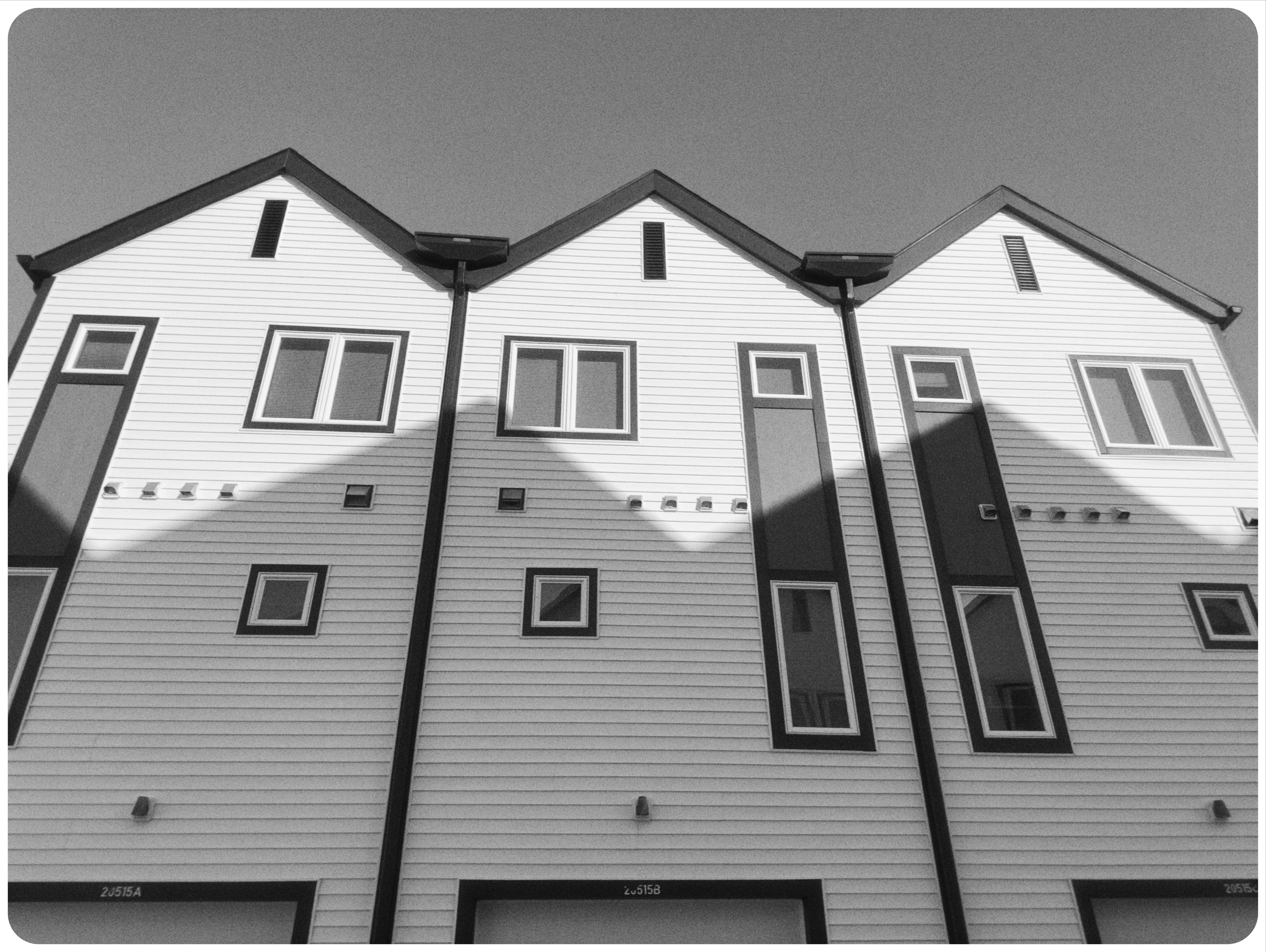
PRO TIP: LEAN INTO THE JPEG RECIPES
The Mood app allows you to adjust a ton of settings and save them on your phone. I love dialing in moods for certain sets of photos, like these cool but kind of disconcerting apartments in Omaha, Nebraska. These create consistent, interesting packages that could honestly be printed and sold. The files are better than they have any right to be.


I’ve got a review of the extremely pocketable Ricoh GRIV coming. It’s a really expensive pocket camera with a fantastic, professional-quality 28mm lens with a large, 26 megapixel APSC sensor. It’s really good and creates stunning, soulful JPEGs. I can definitely tell the difference between photos from that camera and even the best of the iPhone photos.
BUT - the advantages of cell phones are hard to ignore.
I’d bet that, for almost 95% of the world’s population that just wants their cell phones to take more interesting, less processed photos… maybe the answer isn’t another camera, even affordable ones like the very-cool-looking RewindPix, CampSnap, and more.
Instead, consider turning off notifications, embracing one of those apps I already mentioned, and letting the force guide your photography.
I still take my every day carry OM SYSTEM OM-3 almost everywhere because I’m a professional photographer, and the files from the OM-3 are FAR more robust, detailed, and versatile for an experienced guy like me who loves editing.
Yet you might be surprised, like me, to find that you enjoy cell phone photography again, just by “downgrading” your cell phones camera and embracing the flawed but interesting files.
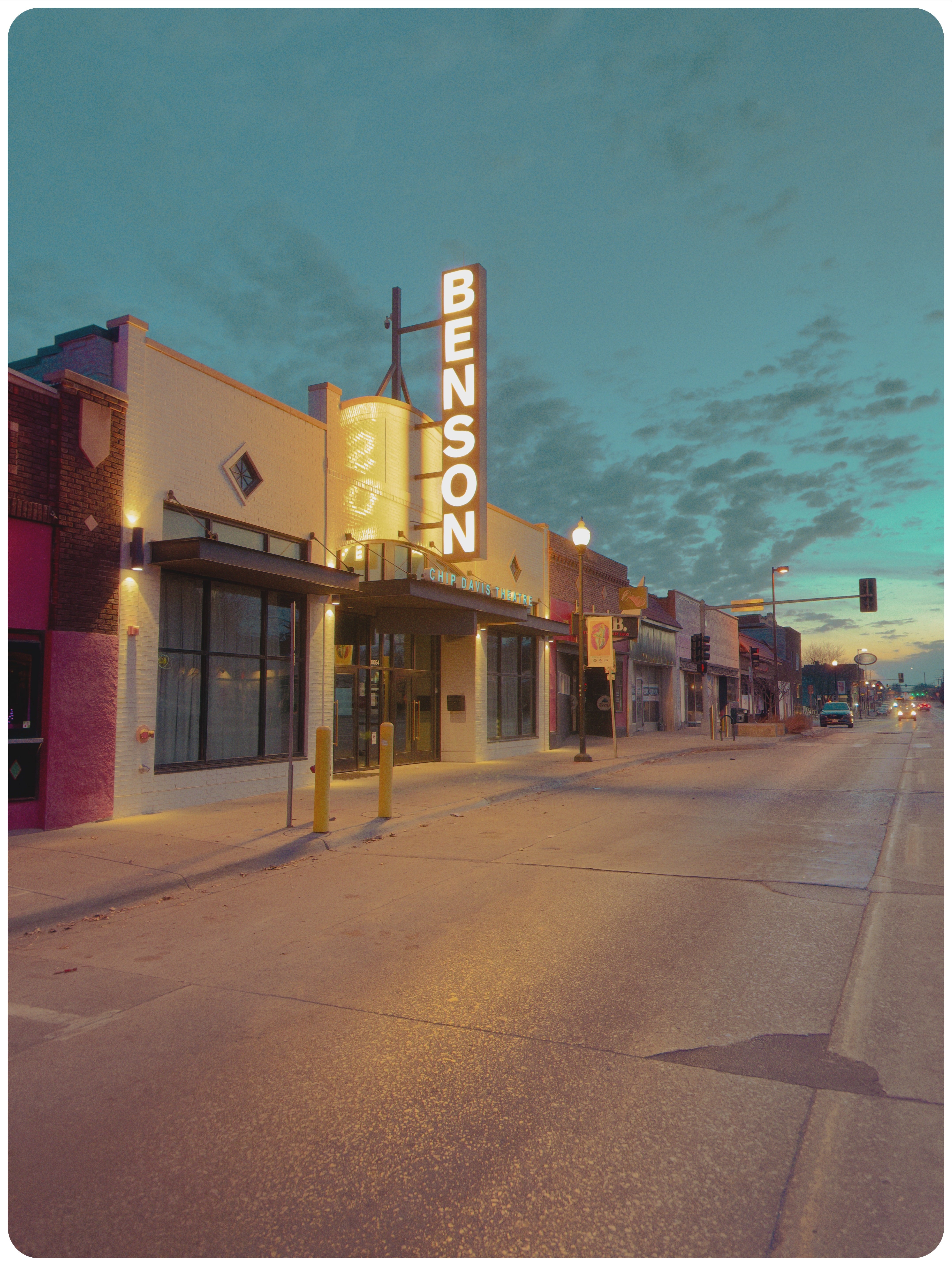
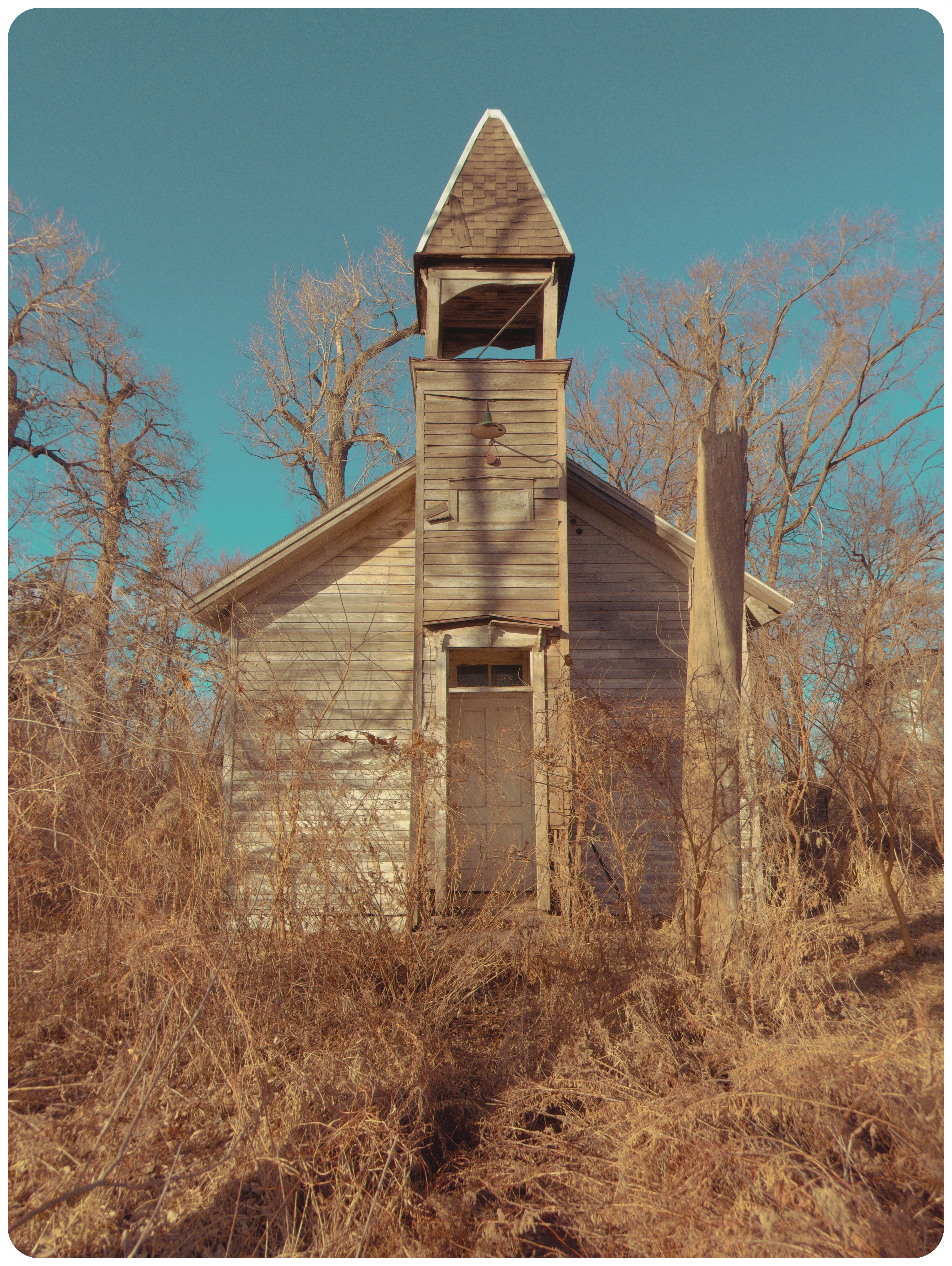
P.S. - If you’re getting this, you’re probably already subscribed to my newsletter, but please share this with any photography enthusiasts who are looking for inspiration, tips and a positive photo community (no judgement here)!
And as always, send me any questions you have or topics you’d like to see me cover in upcoming newsletters or YouTube videos (you can subscribe here).
More than anything, even if you don’t purchase a print, subscribing to my YouTube channel, watching some videos, and leaving me a comment about what you think is a great, free, way to support me!
Comments? Leave them below or email me: jerredz@gmail.com
People swearing they can “always” tell the difference between a phone pic and a “pro camera” image amuse me. I remember when light beer first became popular - and dedicated beer snobs swore they could always tell the difference. I had my roommate do a blind taste test. He utterly failed.
Great Post! I used to have a photography business which helped pay for lens upgrades and new camera bodies. After a few years of UNuse I discovered that the batteries have all gone kaput and replacements are hard to find, expensive or low quality. Or all three! I really wanted to get back into photography for myself so I decided to ‘use what I’ve got’.
Since then I’ve been very satisfied with my iPhone 16 Pro Max or Max Pro? I’ve been on several photo journeys and am always pleased with my results.
I’ve been using the Photos editing software, which has markably improved over the last few versions. I do find the auto edits can feel over processed but it’s fairly easy to dirty it up.
I have loved Lightroom since day one but abhor the subscription model.
I think a lot of editing styles become personal preference and are also subject the current trends in society. Neither is better or worse; wrong or right. For me it’s about trying new settings or new tools that can help me add to my repertoire of editing styles.
Thanks for sharing and I’m going to try Mood to see what develops 😉